419 words
2 min read

Install Docker Engine and Docker Compose on Ubuntu Server

By · Solutions Architect · Docker Captain · IBM Champion
Cover image for the post 'Install Docker Engine and Docker Compose on Ubuntu Server'

This article is for those looking for a detailed and straightforward guide on installing Docker Engine and Docker Compose on Ubuntu Server.

Docker is a container management system that allows you to “package” an application or website with all its environment and dependencies into a container that you can easily manage. For example, transfer to another server, scale, or update.

TIP

Architecture Context

Choose self-managed Docker Engine when you need full control over container runtime configuration, storage drivers, and network plugins. Amazon ECS, Google Cloud Run, or Azure Container Instances provide managed alternatives that eliminate host-level maintenance. Self-managed Docker is justified when you need custom runtime configuration, on-premises deployment, or want to avoid cloud vendor lock-in at the container runtime layer.

IMPORTANT

OpenSSH must be installed on the server, and port 22 must be open to be able to connect to the server using the SSH protocol.

To install OpenSSH on a server, you can use the command:

Terminal window
sudo apt install openssh-server
NOTE

To connect to the server from a Windows system, you can use tools like PuTTY or MobaXterm.

NOTE

This guide walks you through connecting to a server with the iTerm2 terminal emulator on macOS.

We connect to the server on which you plan to install the Docker Engine.

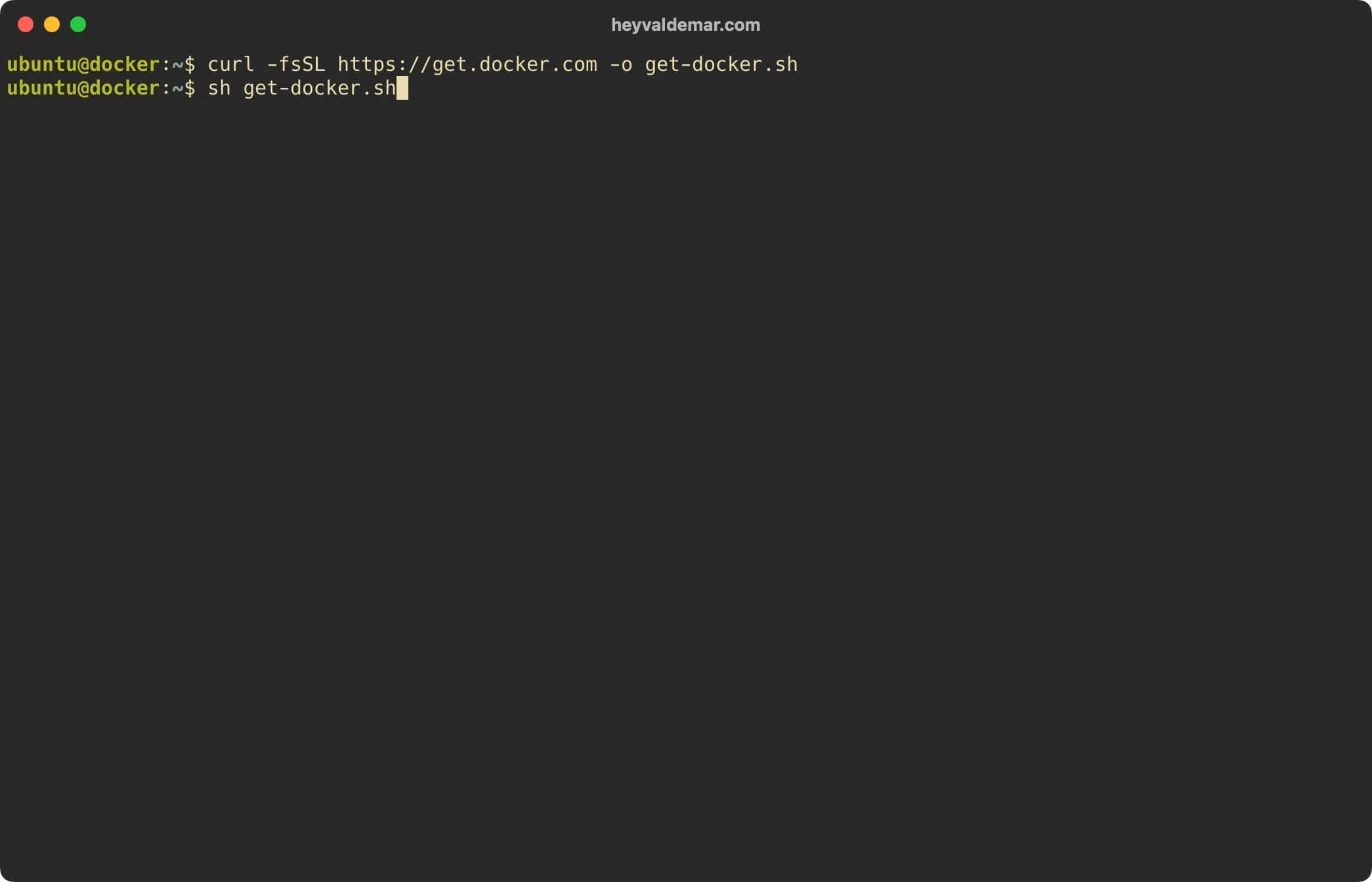
Download the Docker Engine and Docker Compose installation script using the command:

Terminal window
curl -fsSL https://get.docker.com -o get-docker.sh
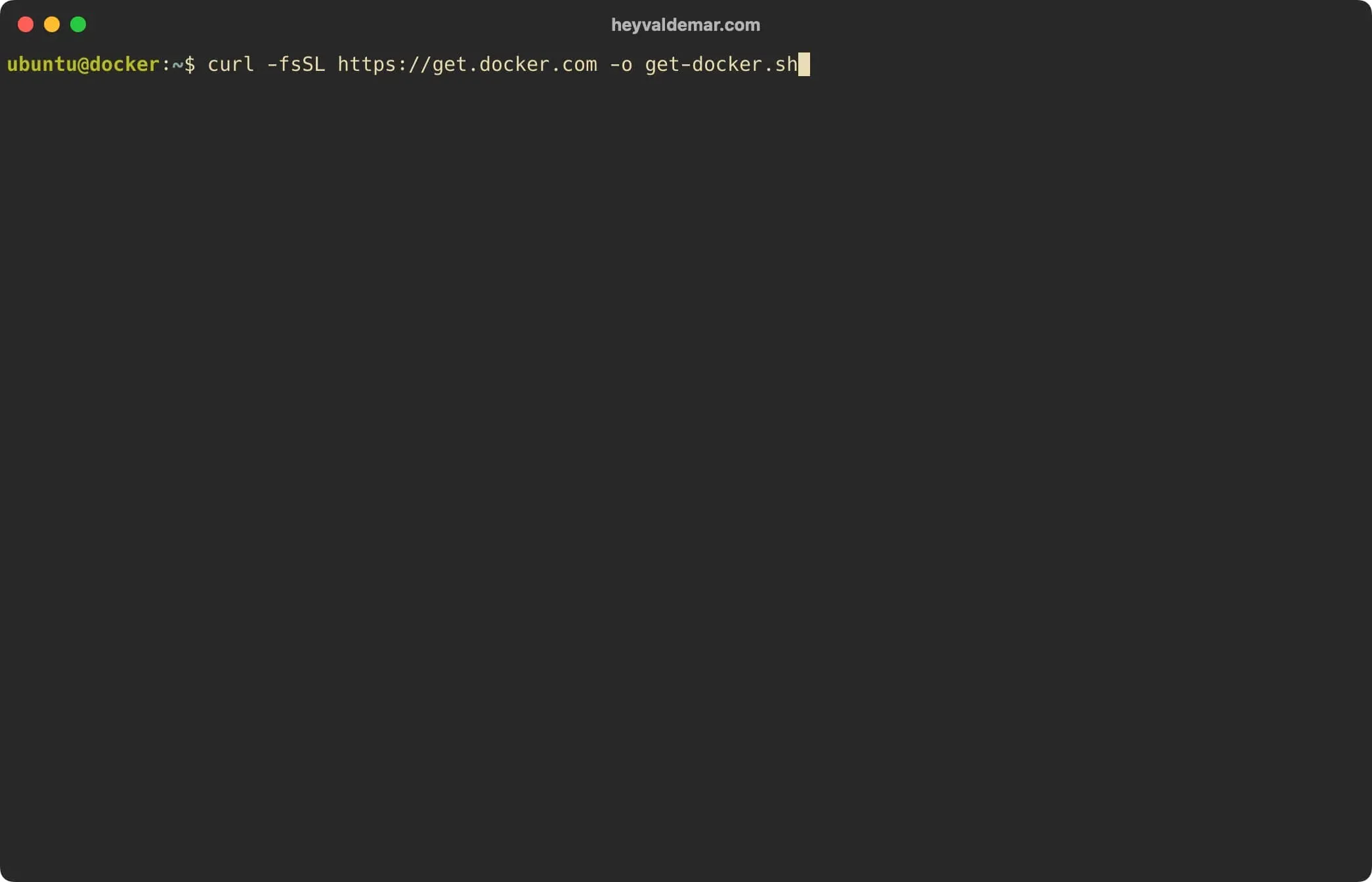
Install Docker Engine and Docker Compose on Ubuntu Server - Step 1

Now let’s start the Docker Engine and Docker Compose installation using the command:

Terminal window
sh get-docker.sh

Install Docker Engine and Docker Compose on Ubuntu Server - Step 2

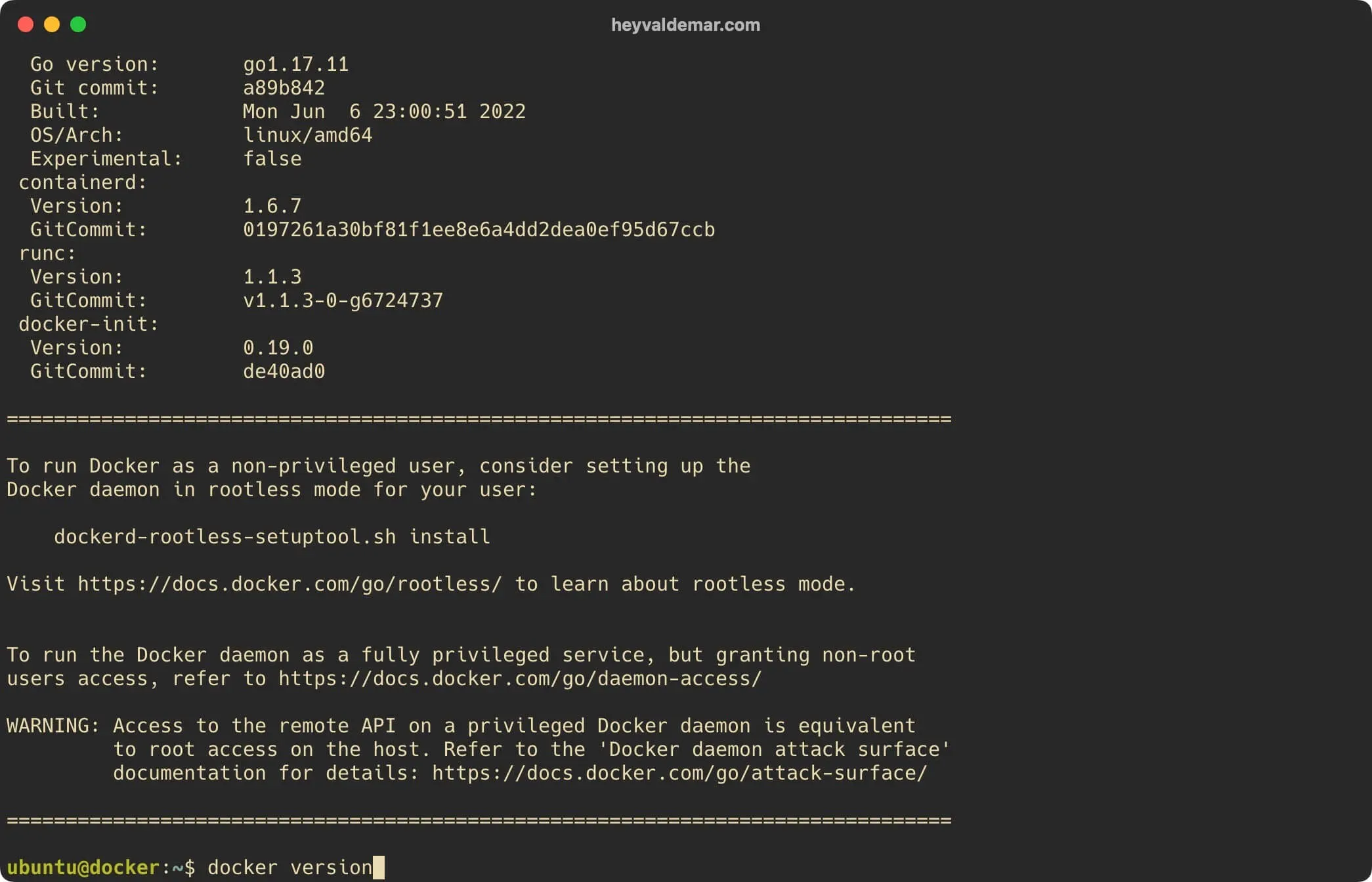
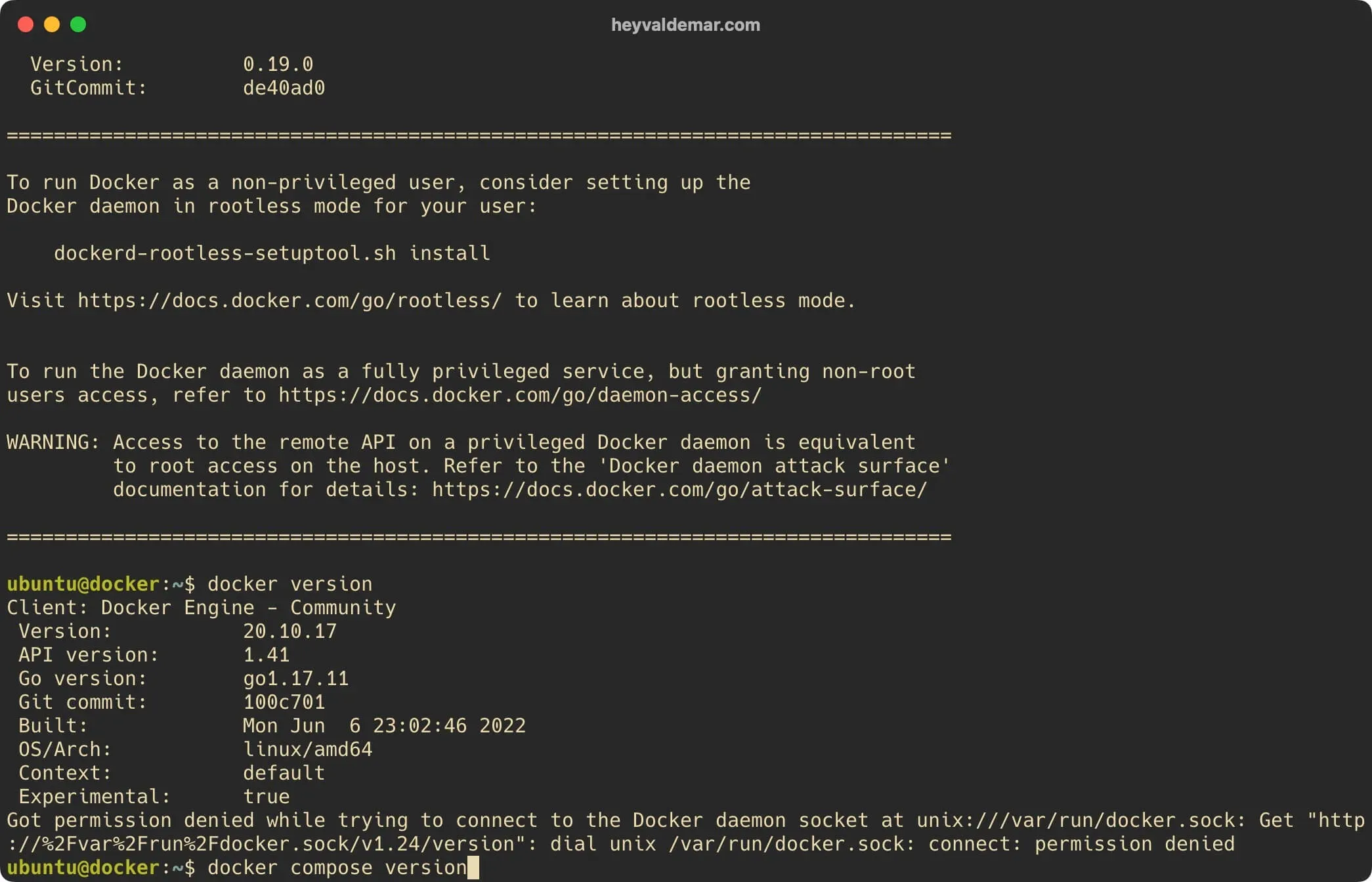
Now you need to make sure the Docker Engine is installed correctly. To do this, you need to run the command:

Terminal window
docker version

Install Docker Engine and Docker Compose on Ubuntu Server - Step 3

Next, you need to make sure the Docker Compose is installed correctly. To do this, you need to run the command:

Terminal window
docker compose version

Install Docker Engine and Docker Compose on Ubuntu Server - Step 4

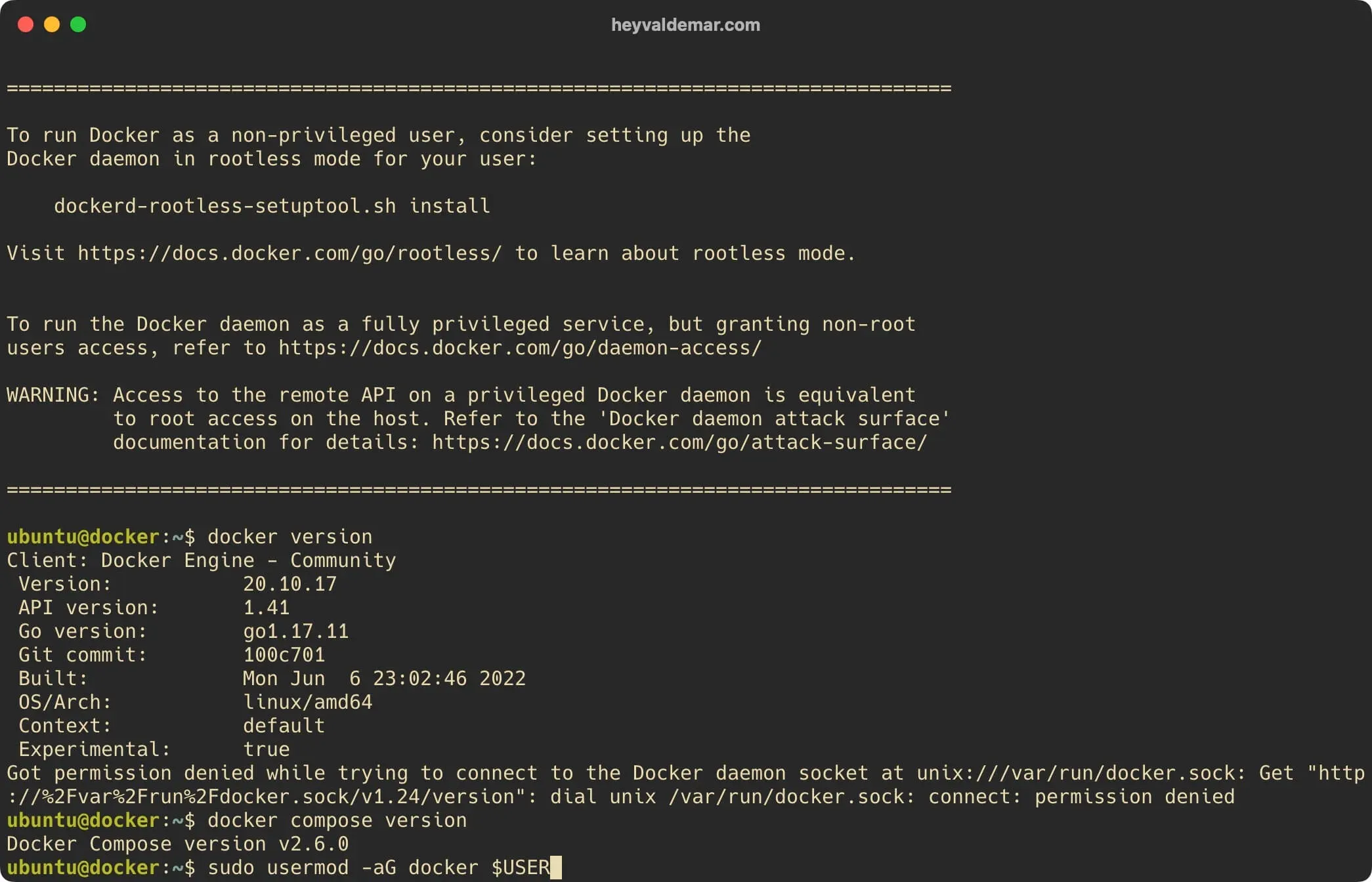
Based on the received messages, the Docker Engine and Docker Compose are installed correctly.
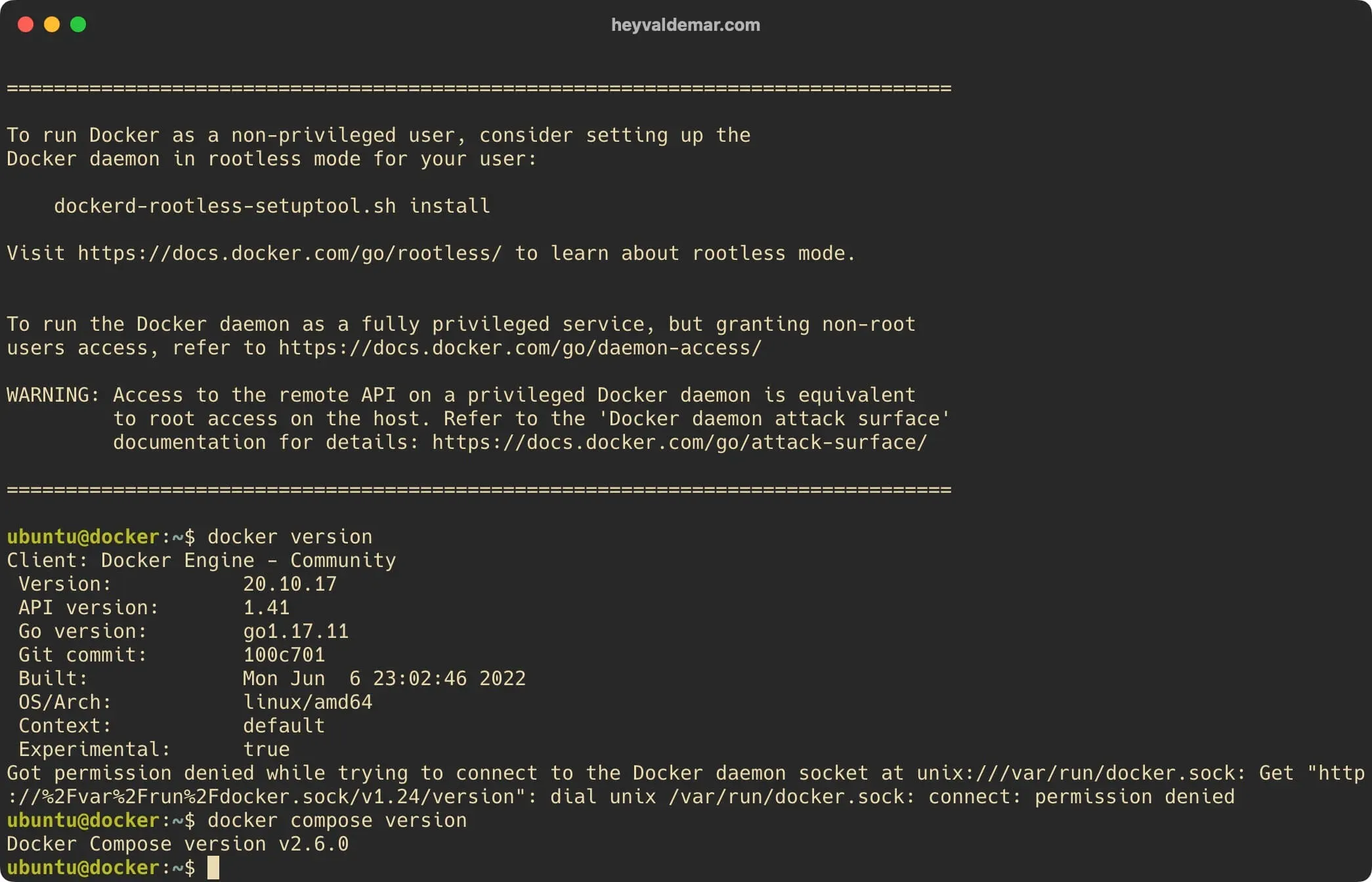
Install Docker Engine and Docker Compose on Ubuntu Server - Step 5

Next, you can add a user to the “docker” group to run the Docker Engine without having to use “sudo”.

Add the user “ubuntu” to the “docker” group using the command:

Terminal window
sudo usermod -aG docker $USER

Install Docker Engine and Docker Compose on Ubuntu Server - Step 6

To apply changes you need to log out and log back in again, which will cause your new session to have the proper group.


Vladimir Mikhalev

Docker Captain  ·  IBM Champion  ·  AWS Community Builder

The Verdict — production-tested analysis on YouTube.

The Verdict

Inconvenient truths about shipping in the AI era

Container security, platform engineering, and the agentic shift — tested in production, argued without the hype. The verdict reaches your inbox the moment there's one worth sending.

Related Posts

Same category
  1. 1
    Terraform MCP server GA: the Apply Gate your auditor will ask about
    DevOps & Cloud · HashiCorp's Terraform MCP server is GA and IBM Bob can write production IaC. ENABLE_TF_OPERATIONS separates a safe assistant from autonomous apply.
  2. 2
    Docker supply chain hardening — from Scout D to OpenSSF 7.8 on a 730K-pull image
    DevOps & Cloud · How I hardened a 1M-pull public Docker image from Scout grade D to OpenSSF Scorecard 7.8 — multi-stage build, cosign, SLSA provenance, non-root default.
  3. 3
    Cloudflare Web Analytics on Astro — Why Removing GA4 Unlocked Lighthouse 100
    DevOps & Cloud · How removing Google Analytics 4 from an Astro site unlocked Lighthouse 100, why Cloudflare Web Analytics replaced it, and what the tradeoffs actually cost.
  4. 4
    Platform Engineering — The Complete, Practical Guide to Building Internal Developer Platforms That Scale
    DevOps & Cloud · A practical guide to Platform Engineering — build internal developer platforms, golden paths, GitOps workflows, and scalable cloud foundations.

Random Posts

Random
  1. 1
    Cheburnet as the Fortress of Lies and Censorship in Russia
    Opinion & Culture · The tightening of internet censorship in Russia, including blocking access to social networks and VPNs, illustrates the growth of isolation and control.
  2. 2
    Optimal Active Directory Structure
    SysAdmin & IT Pro · Learn how large enterprises design scalable and secure Active Directory structures. Explore best practices for organizing domains, OUs, users, and servers.
  3. 3
    Master Container Security in 2025 — Best Practices & Live Demo
    DevOps & Cloud · Master container security in 2025 with proven Docker & Kubernetes best practices. Learn how to automate scans using Docker Scout & Snyk with real demos.
  4. 4
    Install Kubernetes on Ubuntu Server 22.04 LTS
    DevOps & Cloud · Step-by-step guide to install Kubernetes on Ubuntu Server 22.04 LTS using kubeadm. Learn how to set up master and worker nodes with containerd and Calico.
Install Docker Engine and Docker Compose on Ubuntu Server
https://heyvaldemar.com/install-docker-engine-and-docker-compose-on-ubuntu-server/
Author
Vladimir Mikhalev
Published
2022-08-08
License
CC BY-NC-SA 4.0