Install eksctl on macOS
By Vladimir Mikhalev · Solutions Architect · Docker Captain · IBM Champion
This article is for those looking for a detailed and straightforward guide on installing eksctl on macOS.
eksctl is a command-line utility developed in Go, designed for easy creation of clusters in Amazon’s Elastic Kubernetes Service (EKS). It leverages AWS CloudFormation to perform its tasks.
TIPArchitecture Context
eksctl provides the fastest path to a running EKS cluster for development and testing. For production environments, Terraform with the AWS EKS module offers better state management, drift detection, and multi-resource orchestration. Choose eksctl for rapid prototyping and Terraform for production-grade infrastructure that requires version control and review workflows.
IMPORTANTIn this guide, we will consider the case when you already have the Homebrew package manager installed.
To install Homebrew, you can use the command:
/bin/bash -c "$(curl -fsSL https://raw.githubusercontent.com/Homebrew/install/HEAD/install.sh)"NOTEThis guide walks you through connecting to a server with the iTerm2 terminal emulator on macOS.
We connect the repository with formulas for Homebrew using the command:
brew tap weaveworks/tap

Run the eksctl installation with the command:
brew install weaveworks/tap/eksctl
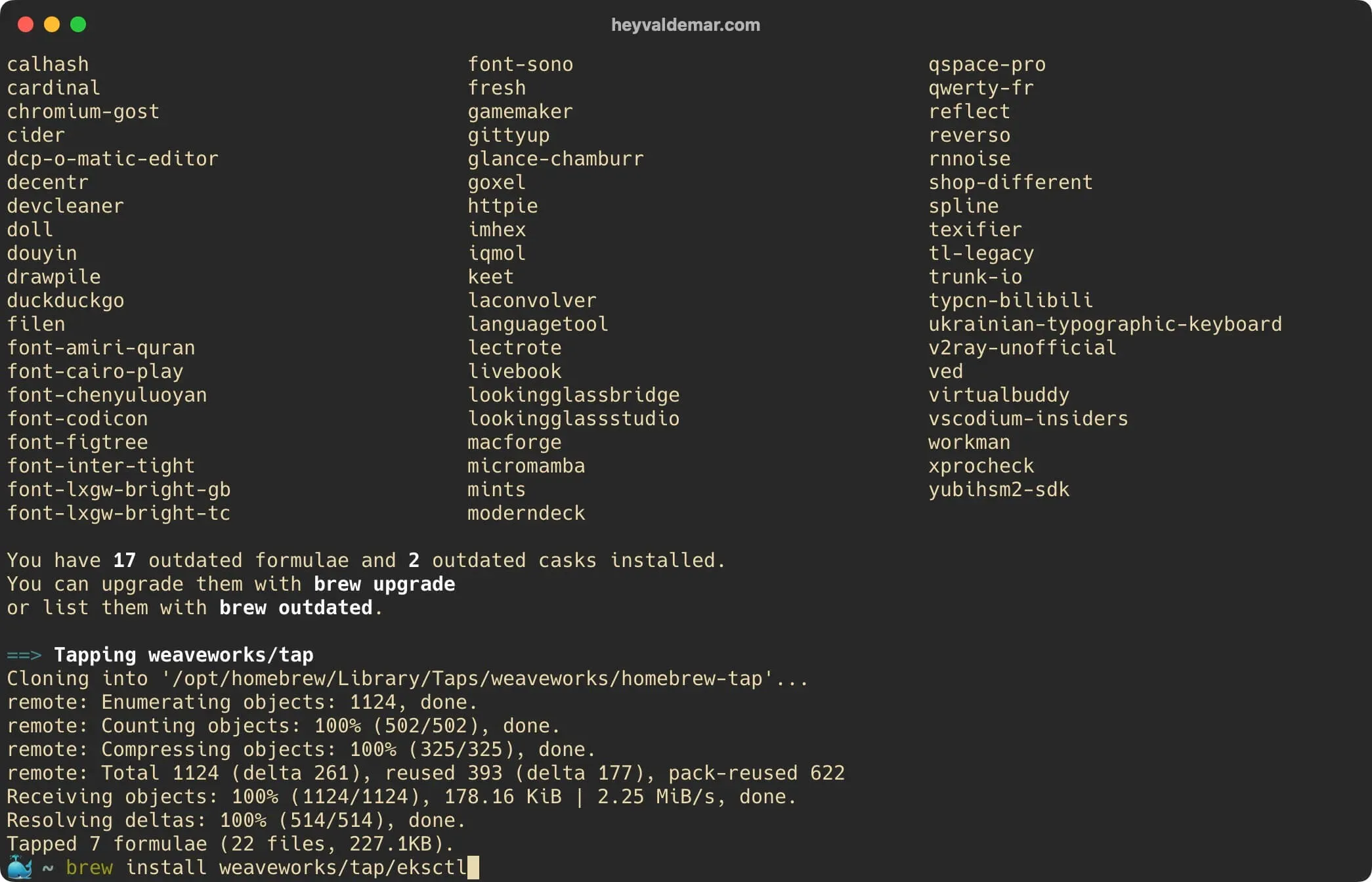
Confirm that the installation was successful by checking the installed version:
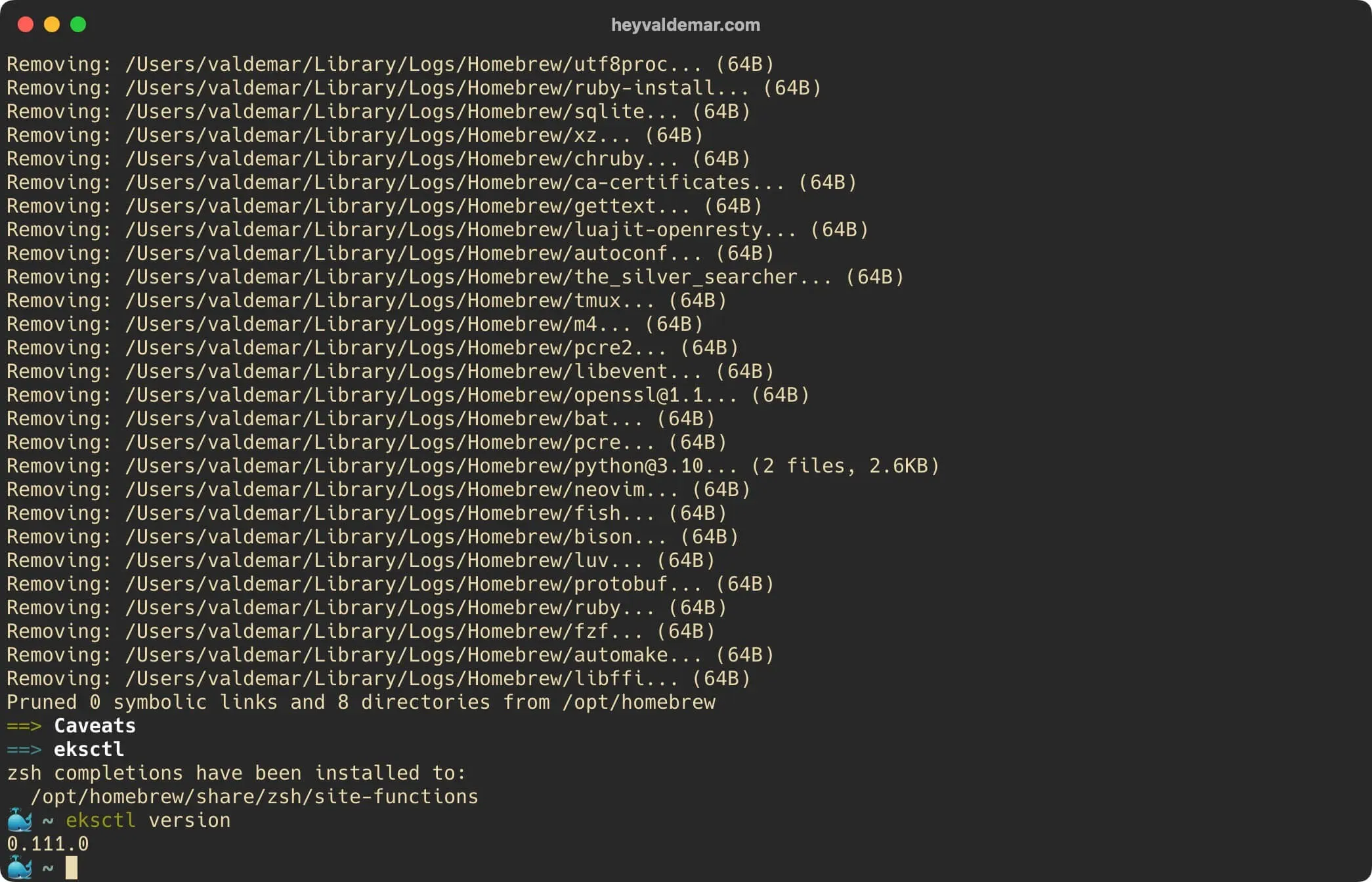
eksctl version
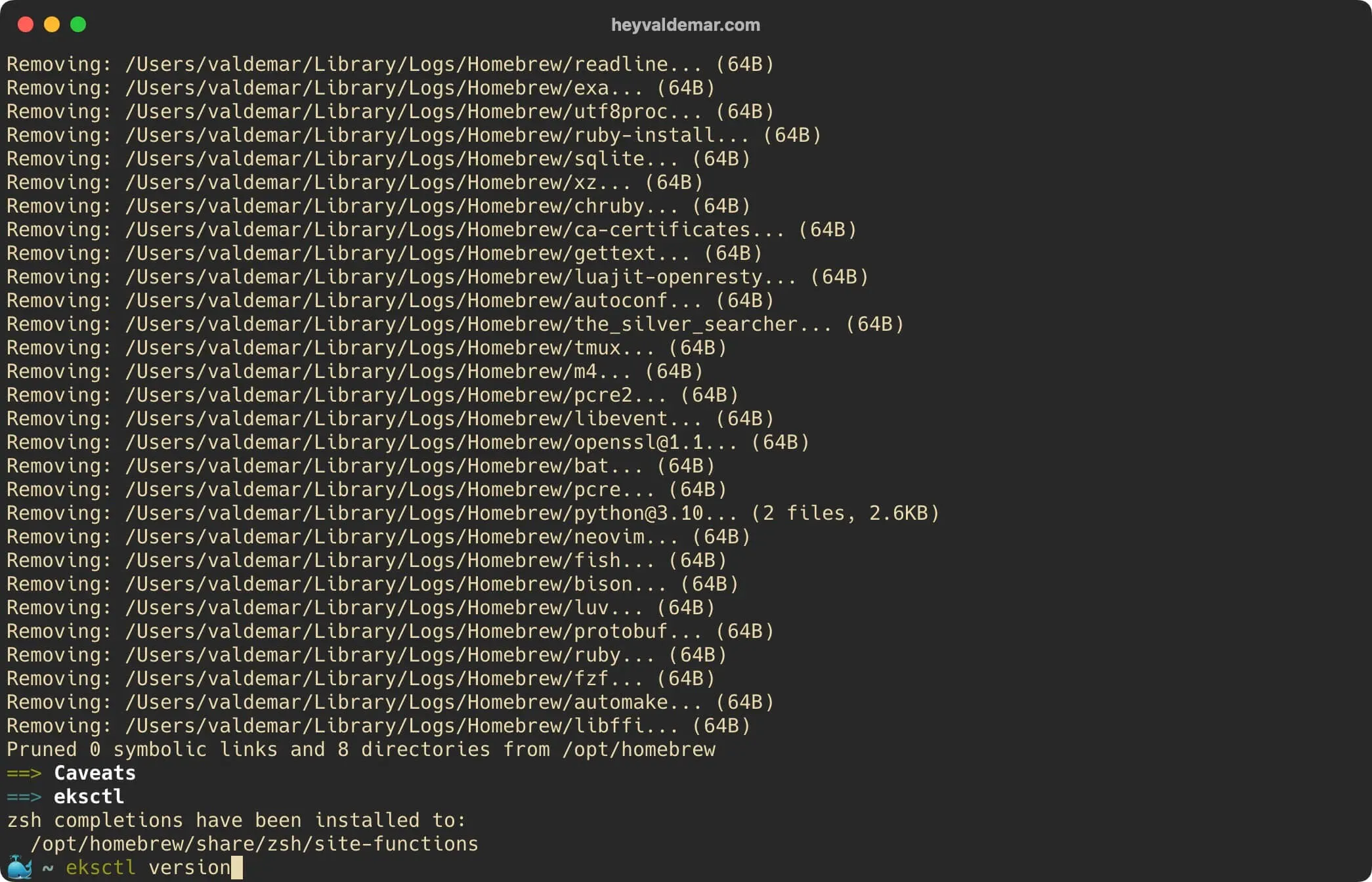
Everything is ready to use eksctl.
To integrate eksctl with AWS services, you’ll need to have the AWS CLI configured. If you haven’t done that yet, see my detailed guide: Configure AWS CLI.
Related Posts
- 1Docker supply chain hardening — from Scout D to OpenSSF 7.8 on a 730K-pull imageDevOps & Cloud · How I hardened a 730K-pull public Docker image from Scout grade D to OpenSSF Scorecard 7.8. Multi-stage build, cosign signing, SLSA provenance, non-root default, and the incident that changed how I ship attestations.
- 2Cloudflare Web Analytics on Astro — Why Removing GA4 Unlocked Lighthouse 100DevOps & Cloud · How removing Google Analytics 4 from an Astro site unlocked Lighthouse 100, why Cloudflare Web Analytics replaced it, and what the tradeoffs actually cost.
- 3Platform Engineering — The Complete, Practical Guide to Building Internal Developer Platforms That ScaleDevOps & Cloud · A deep, practical guide to Platform Engineering. Learn how to build internal developer platforms, golden paths, GitOps workflows, and scalable cloud foundations.
- 4Amazon Q vs DevOps Chaos — Can This AI Fix AWS Faster Than You?DevOps & Cloud · Fix AWS issues faster with Amazon Q, the AI assistant built for DevOps. Real-world examples, limitations, and how it compares to ChatGPT.
Random Posts
- 1Simplifying the Transition from Docker Compose to Kubernetes with Compose BridgeDevOps & Cloud · Discover how to convert Docker Compose files to Kubernetes manifests using Docker's Compose Bridge. Simplify your migration and deploy applications efficiently.
- 2Install Zabbix Using Docker ComposeSelf-Hosting · Step-by-step guide to install Zabbix with Docker Compose using Traefik and Let's Encrypt. Perfect for self-hosted monitoring on Ubuntu Server.
- 3Install Joomla Using Docker ComposeSelf-Hosting · Learn how to install Joomla using Docker Compose with Traefik and Let's Encrypt. Step-by-step guide to self-host your CMS securely and efficiently.
- 4Upgrade Spigot on Ubuntu Server with MulticraftSysAdmin & IT Pro · Learn how to upgrade Spigot on Ubuntu Server with Multicraft. Step-by-step tutorial for building the latest Spigot version and integrating it with Multicraft.