
Update the Offline Address Book in Exchange Server 2013
By Vladimir Mikhalev · Docker Captain · CNCF Ambassador · IBM Champion
This article is for those looking for a detailed and clear guide on how to update the offline address book in Exchange Server 2013.
The offline address book is designed so that Microsoft Outlook users can view the address book even when they are not connected to the Exchange server. In addition, offline address books can help reduce the load on Exchange servers.
NOTETo learn how to create offline address books in Exchange Server 2013, read my guide: Create an Offline Address Book in Exchange Server 2013.
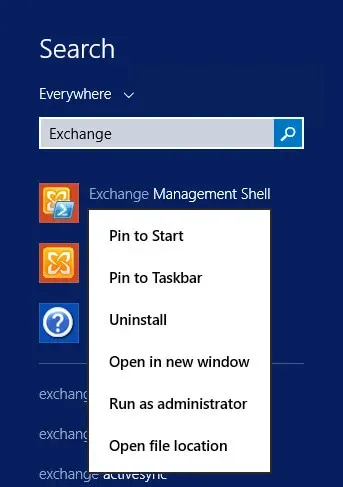
Click “Start”, point to “Exchange” in the search bar, then right-click on “Exchange Management Shell” and select “Run as administrator”.
Let’s see the existing schedule for updating address books using the command:
Get-OfflineAddressBook | fl Name,Schedule 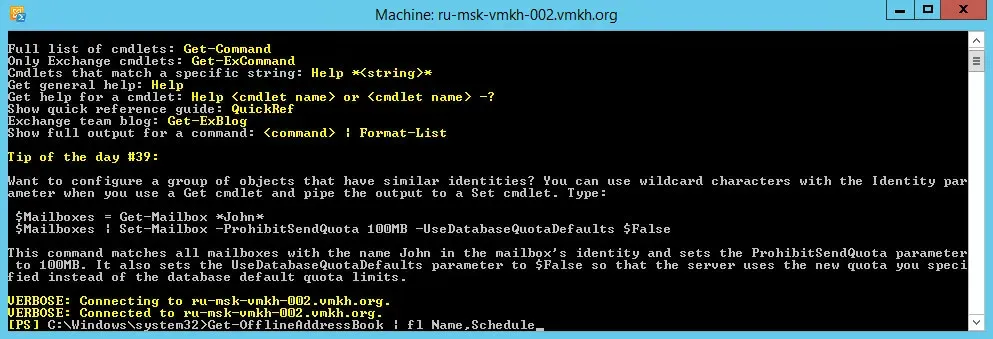
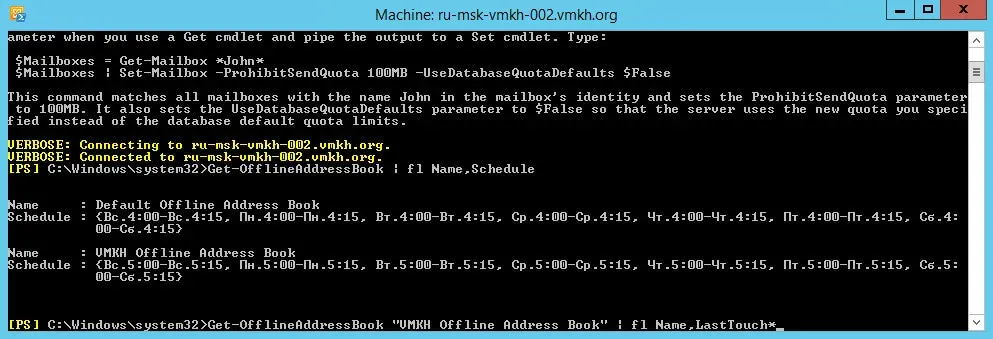
Now let’s check when a specific OAB was last updated using the command:
Get-OfflineAddressBook "VMKH Offline Address Book" | fl Name,LastTouch *NOTEThis manual uses the “VMKH Offline Address Book” as the main offline address book.
The following commands must be run on all Exchange servers.
Let’s update the global address list using the command:
Get-GlobalAddressList | Update-GlobalAddressList 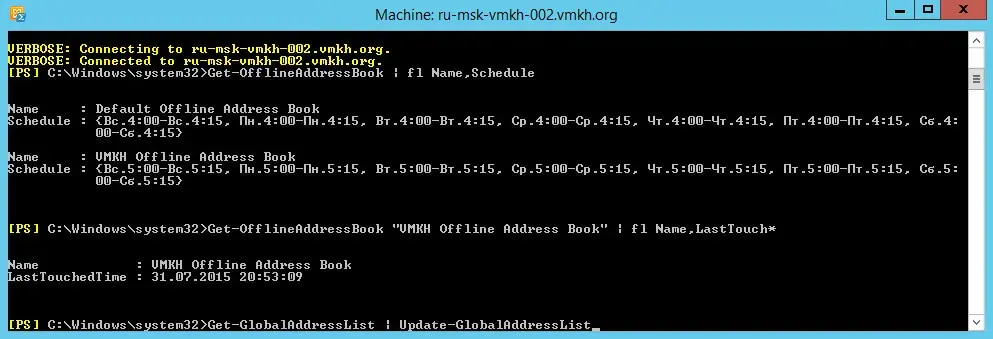
Update the Exchange OAB using the command:
Get-OfflineAddressBook | Update-OfflineAddressBook 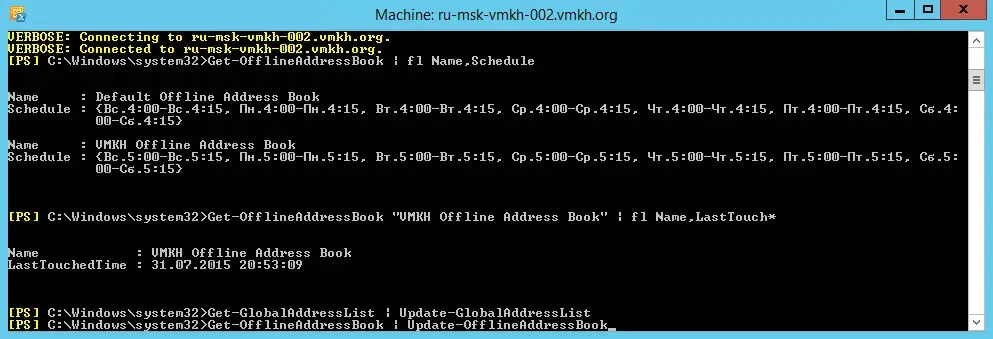
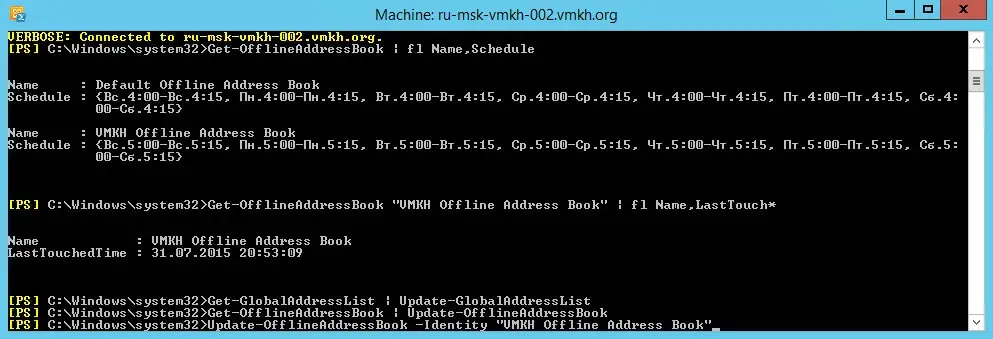
You can update a specific offline address book using the command:
Update-OfflineAddressBook -Identity "VMKH Offline Address Book"NOTEThis manual uses the “VMKH Offline Address Book” as the main offline address book.
If you have Exchange Server 2010 installed, then to force the update of the offline address book, you will need to run one more command:
Get-ClientAccessServer | Update-FileDistributionService