179 words
1 min read

Install Firmware for Kernel Drivers on Ubuntu

By · Solutions Architect · Docker Captain · IBM Champion
Install Firmware for Kernel Drivers on Ubuntu

This article is for those looking for a detailed and straightforward guide on installing firmware for kernel drivers on Ubuntu.

Visit the linux-firmware directory, then locate and copy the URL of the latest .deb file for the “linux-firmware” package.
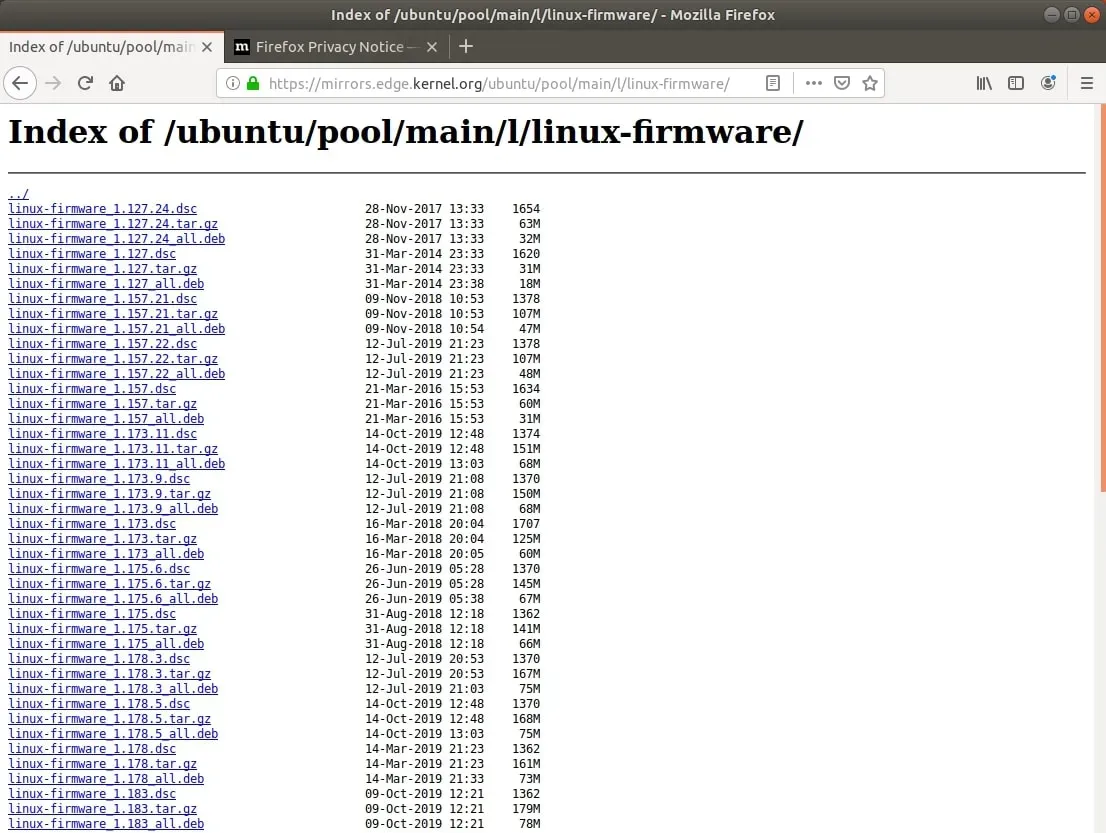
Install Firmware for Kernel Drivers on Ubuntu - Step 1

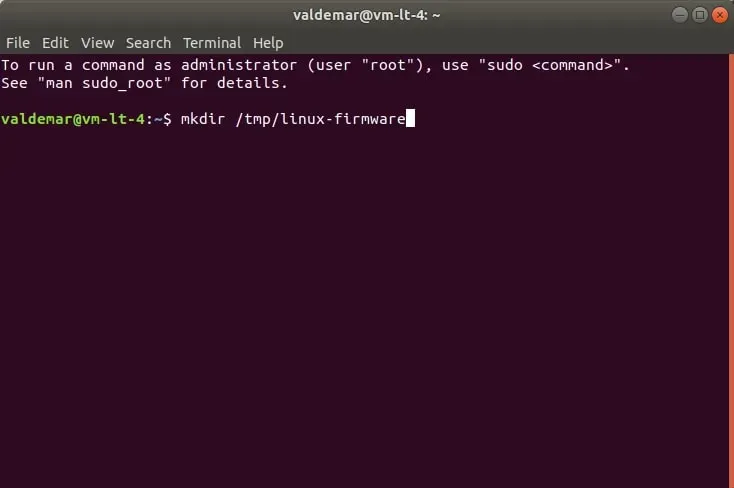
Create a new directory for the “linux-firmware” package using the command:

Terminal window
mkdir /tmp/linux-firmware

Install Firmware for Kernel Drivers on Ubuntu - Step 2

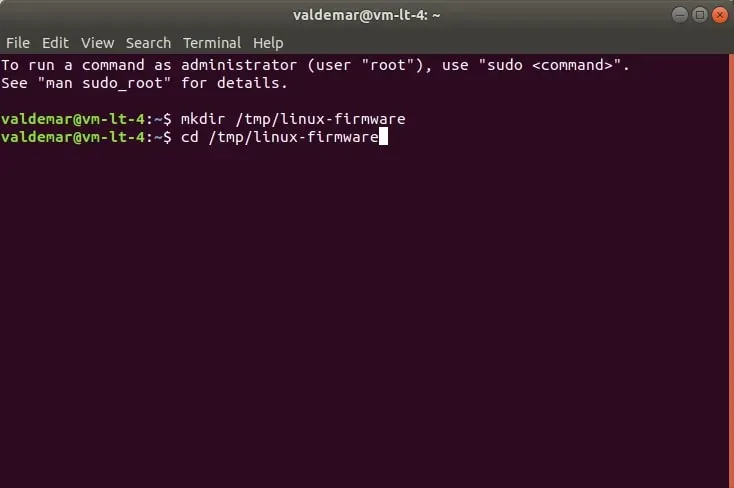
Go to the new directory using the command:

Terminal window
cd /tmp/linux-firmware

Install Firmware for Kernel Drivers on Ubuntu - Step 3

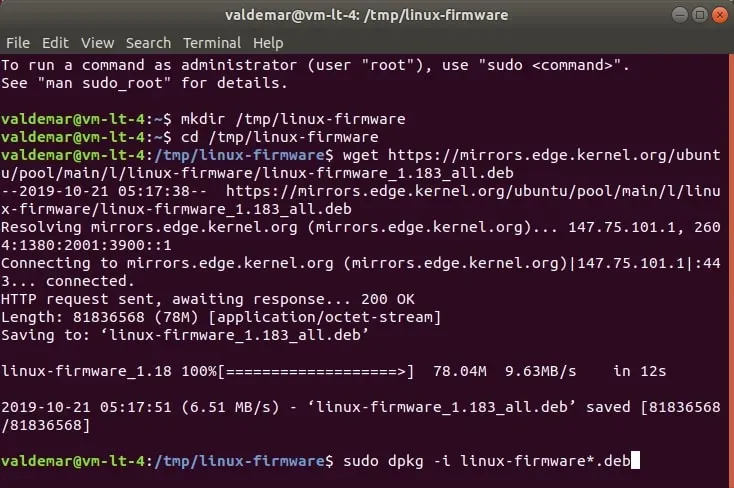
Download the new version of the “linux-headers” package with the “.deb” extension using the command:

Terminal window
wget https://mirrors.edge.kernel.org/ubuntu/pool/main/l/linux-firmware/linux-firmware_1.183_all.deb
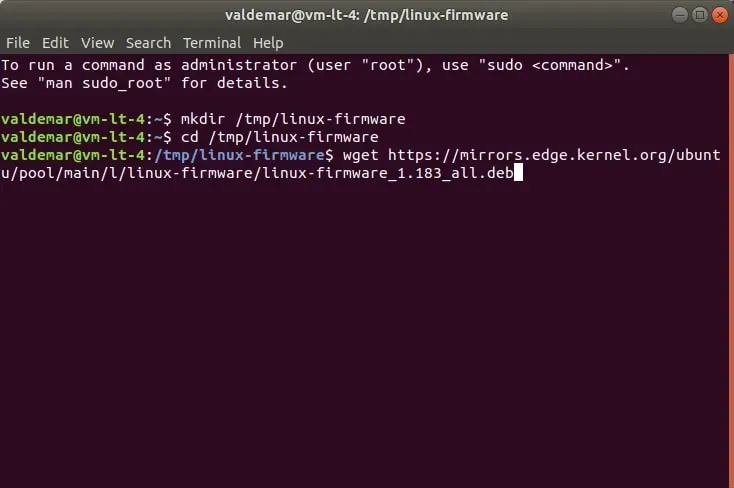
Install Firmware for Kernel Drivers on Ubuntu - Step 4

Now you need to install the downloaded package using the command:

Terminal window
sudo dpkg -i *.deb

Install Firmware for Kernel Drivers on Ubuntu - Step 5

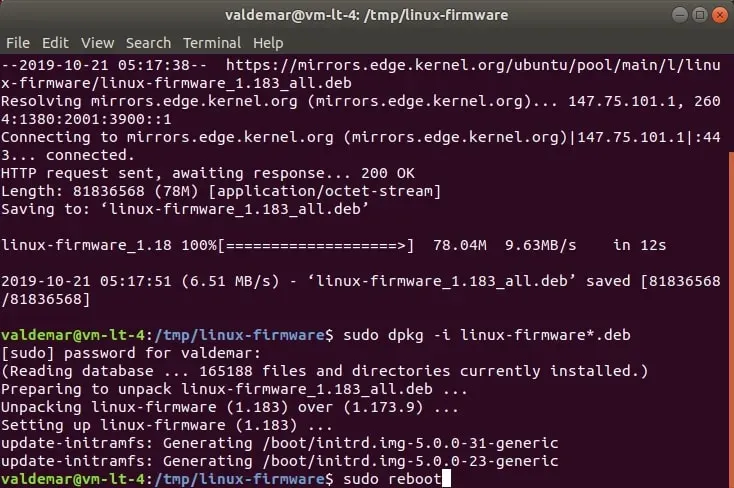
Specify the password for the account and press “Enter”.
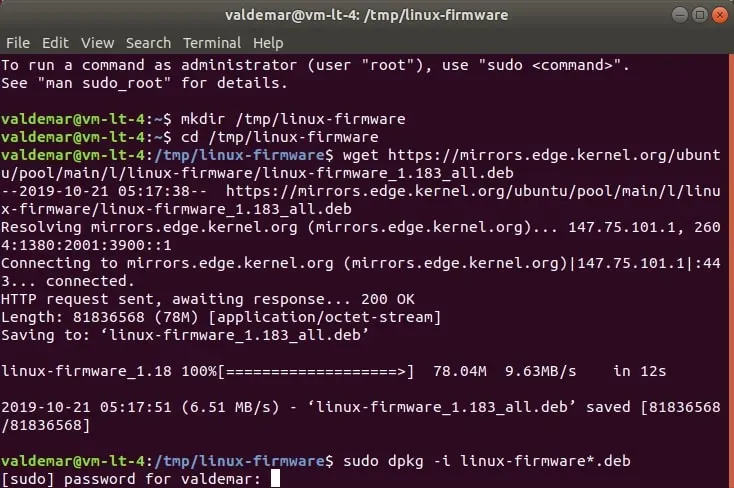
Install Firmware for Kernel Drivers on Ubuntu - Step 6

We reboot the operating system using the command:

Terminal window
sudo reboot

Install Firmware for Kernel Drivers on Ubuntu - Step 7


Vladimir Mikhalev

Docker Captain  ·  IBM Champion  ·  AWS Community Builder

The Verdict — production-tested analysis on YouTube.

Related Posts

Same category
  1. 1
    Recovering a Corrupt Exchange Database with Stellar Repair — Real-World Lab Test
    SysAdmin & IT Pro · We deliberately broke an Exchange 2019 server to see if Stellar Repair for Exchange could recover a dirty-shutdown EDB file. Step-by-step recovery process, lab setup, and lessons learned.
  2. 2
    Distinctions Between Terminal, Command Line, Shell, and Prompt
    SysAdmin & IT Pro · Learn the differences between terminal, command line, shell, and prompt in Linux. A beginner-friendly guide to essential CLI concepts and tools.
  3. 3
    Install Ubuntu Server 22.04 LTS
    SysAdmin & IT Pro · Step-by-step guide to install Ubuntu Server 22.04 LTS. Covers language, disk setup, OpenSSH, user creation, and system configuration for beginners.
  4. 4
    Install OTRS on Ubuntu Server
    SysAdmin & IT Pro · Comprehensive guide to installing OTRS Community Edition on Ubuntu Server. Learn to configure PostgreSQL, Apache, SSL with Let's Encrypt, and launch OTRS securely.

Random Posts

Random
  1. 1
    Install Windows Server 2012 R2
    SysAdmin & IT Pro · Step-by-step guide to install Windows Server 2012 R2 using official media with a GUI setup. Get a clean, secure server installation.
  2. 2
    What is DevOps?
    DevOps & Cloud · What is DevOps? Learn how it unites developers and IT with CI/CD, automation, and collaboration to ship software faster and more reliably.
  3. 3
    Install Docker Engine and Docker Compose on Ubuntu Server
    DevOps & Cloud · Learn how to install Docker Engine and Docker Compose on Ubuntu Server. Follow a clear, step-by-step guide to get Docker running quickly and securely.
  4. 4
    Leveraging null_resource in Terraform for Complex Operations
    DevOps & Cloud · Master Terraform's null_resource to automate complex DevOps workflows. Learn triggers, local execs, and when to use terraform_data in modern IaC.
Install Firmware for Kernel Drivers on Ubuntu
https://heyvaldemar.com/install-firmware-for-kernel-drivers-on-ubuntu/
Author
Vladimir Mikhalev
Published
2019-10-21
License
CC BY-NC-SA 4.0