
Upgrade Spigot on Ubuntu Server with Multicraft
By Vladimir Mikhalev · Docker Captain · CNCF Ambassador · IBM Champion
This article is for those looking for a detailed and clear guide on how to upgrade spigot on Ubuntu Server with Multicraft.
Spigot is a modified Minecraft server built on top of the CraftBukkit core. Spigot is known for its stability, performance, support for a large number of plugins and is intended to replace CraftBukkit.
IMPORTANTThe server must have Multicraft, OpenJDK and Git installed.
You can find out how to install Multicraft on Ubuntu Server by reading Install Multicraft on Ubuntu Server.
To install OpenJDK and Git on the server, you can use the command:
sudo apt install -y default-jdk gitIMPORTANTOpenSSH must be installed on the server, and port 22 must be open to be able to connect to the server using the SSH protocol.
To install OpenSSH on a server, you can use the command:
sudo apt install openssh-serverNOTETo connect to the server from a Windows system, you can use tools like PuTTY or MobaXterm.
NOTEThis guide walks you through connecting to a server with the iTerm2 terminal emulator on macOS.
We connect to the Multicraft server on which we plan to update Spigot.
Let’s create a new directory that we need to create a new version of Spigot using the command:
sudo mkdir BuildTools 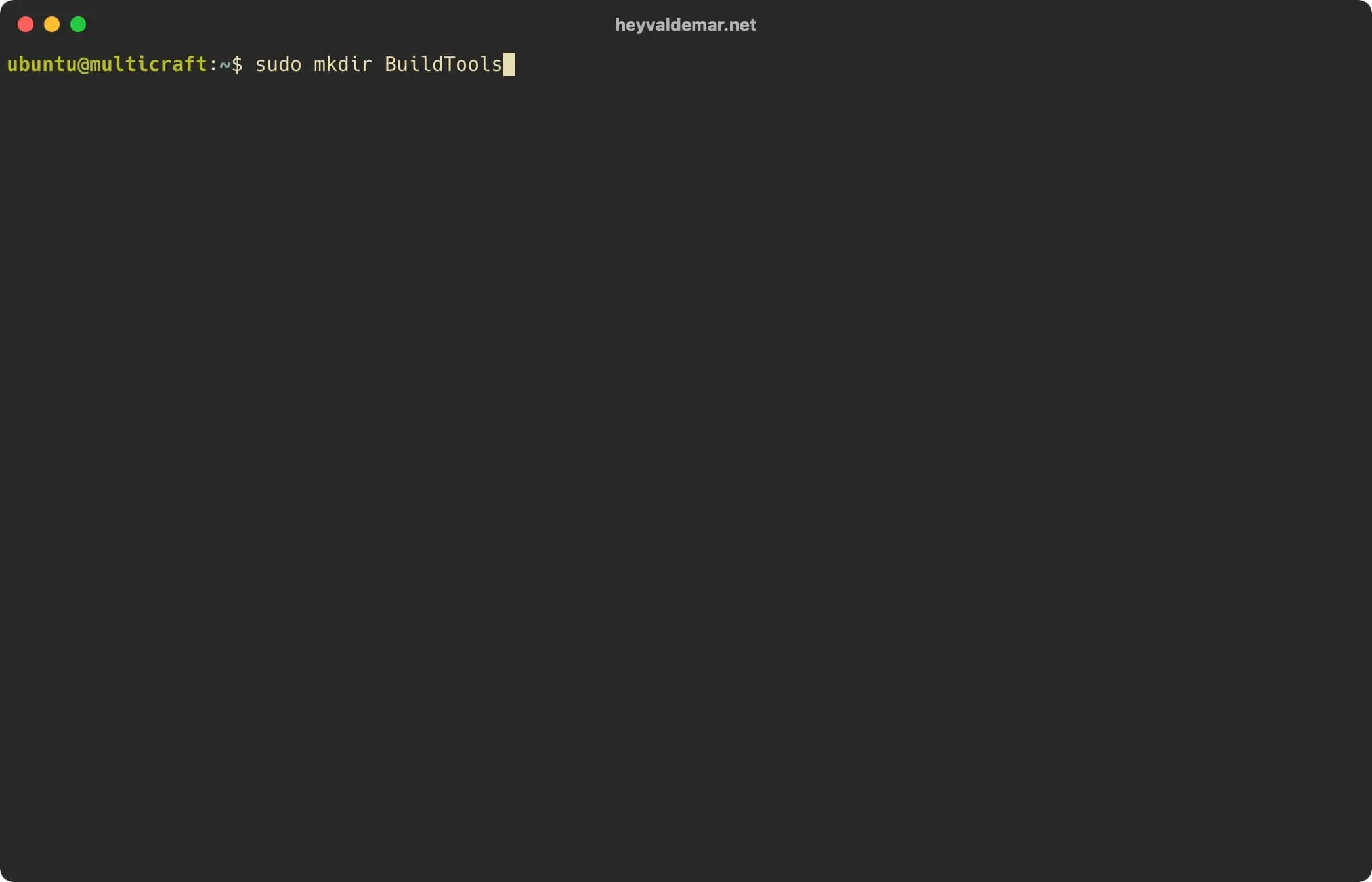
Go to the new directory using the command:
cd BuildTools 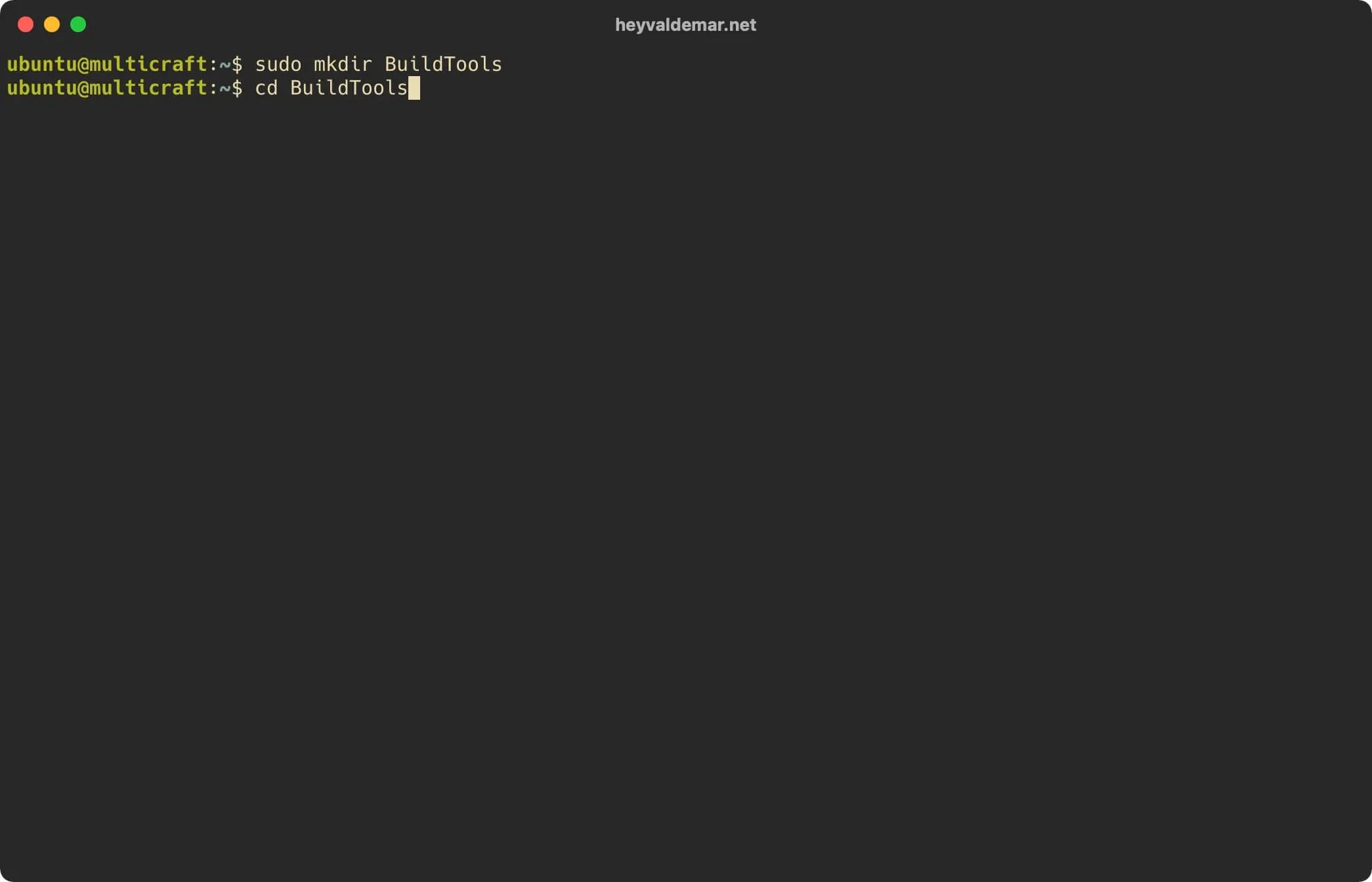
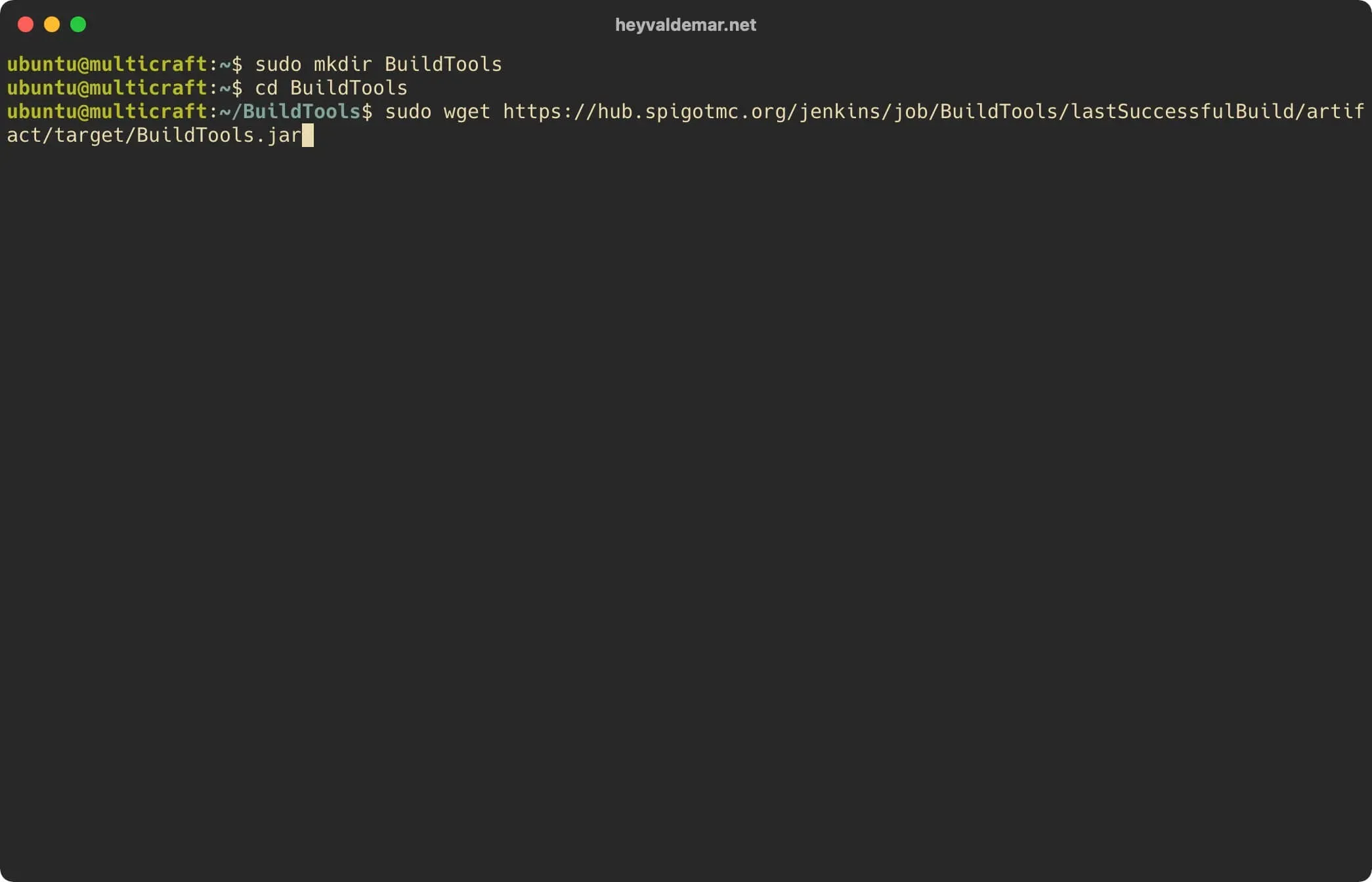
Load the “BuildTools.jar” file using the command:
sudo wget https://hub.spigotmc.org/jenkins/job/BuildTools/lastSuccessfulBuild/artifact/target/BuildTools.jarThe “BuildTools.jar” file is required to create a new version of Spigot.
Let’s make changes to the Git configuration using the command:
sudo git config --global --unset core.autocrlf 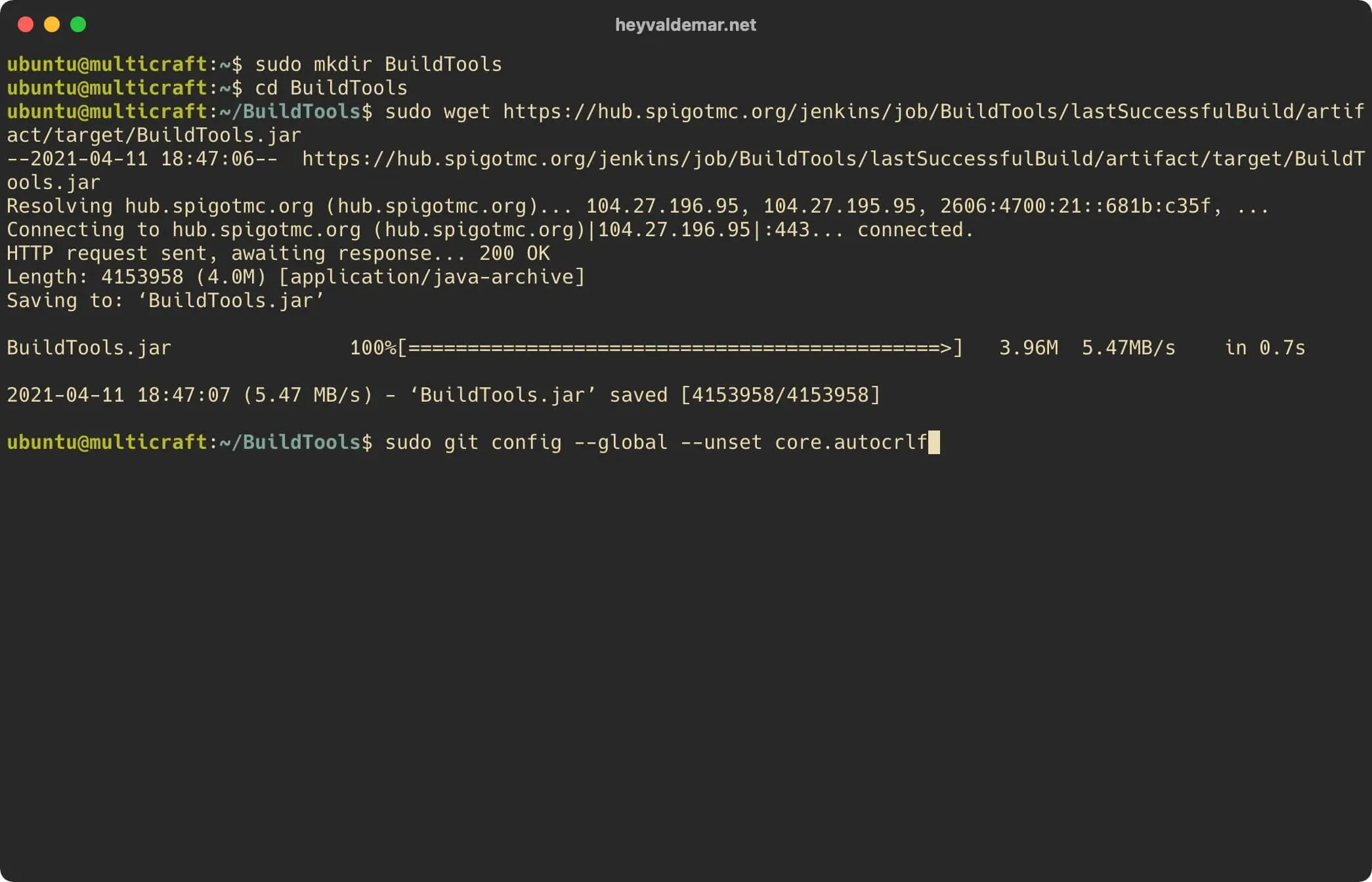
We start creating a new version of Spigot using the command:
sudo java -jar BuildTools.jar 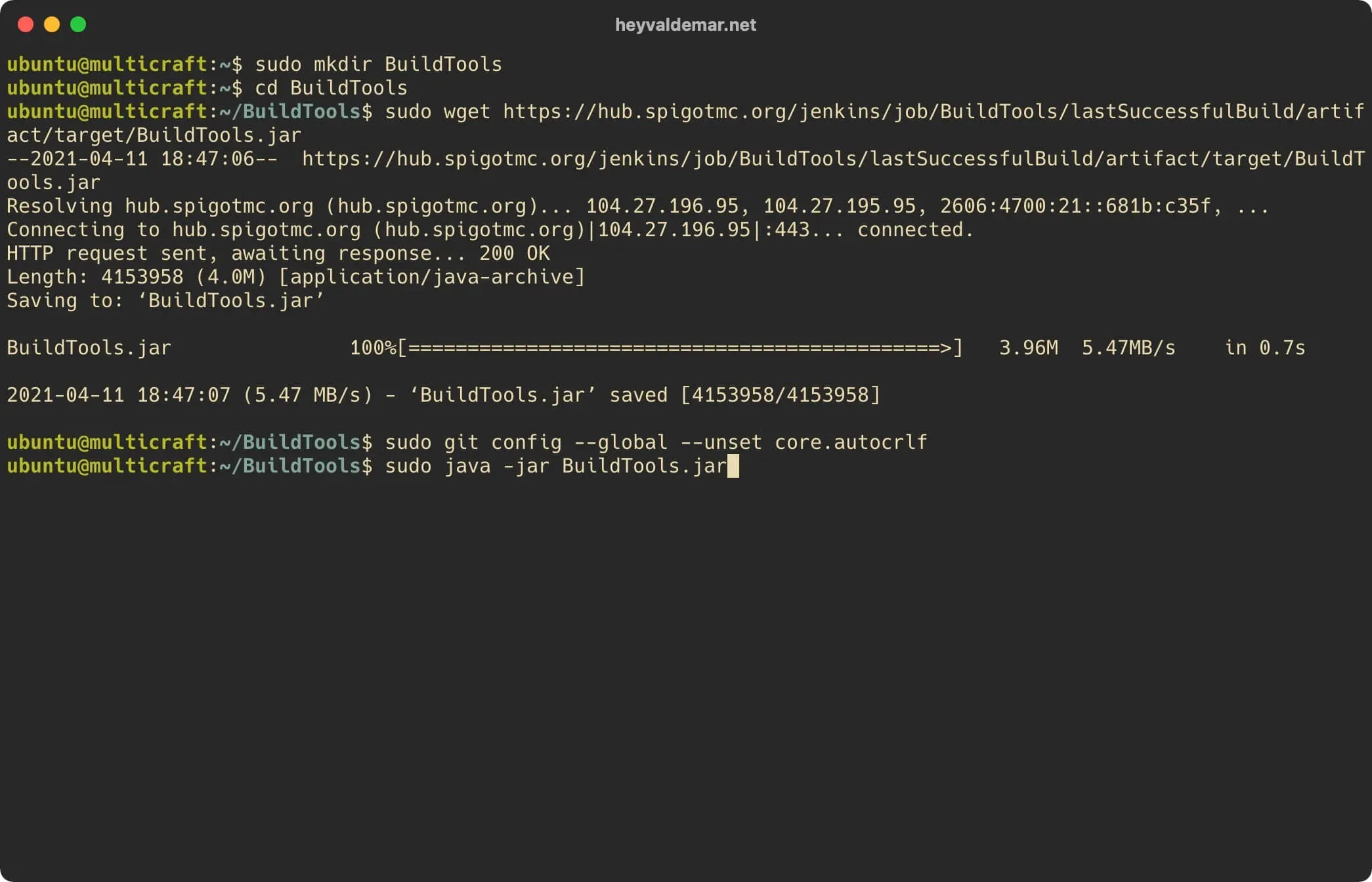
The new version of Spigot has been successfully created and is available in the previously created “BuildTools” directory.
Now you need to replace the old version of Spigot with the new one so that Spigot starts correctly with Multicraft.
Find the location of the old version of Spigot using the command:
sudo find / -name 'spigot*.jar' 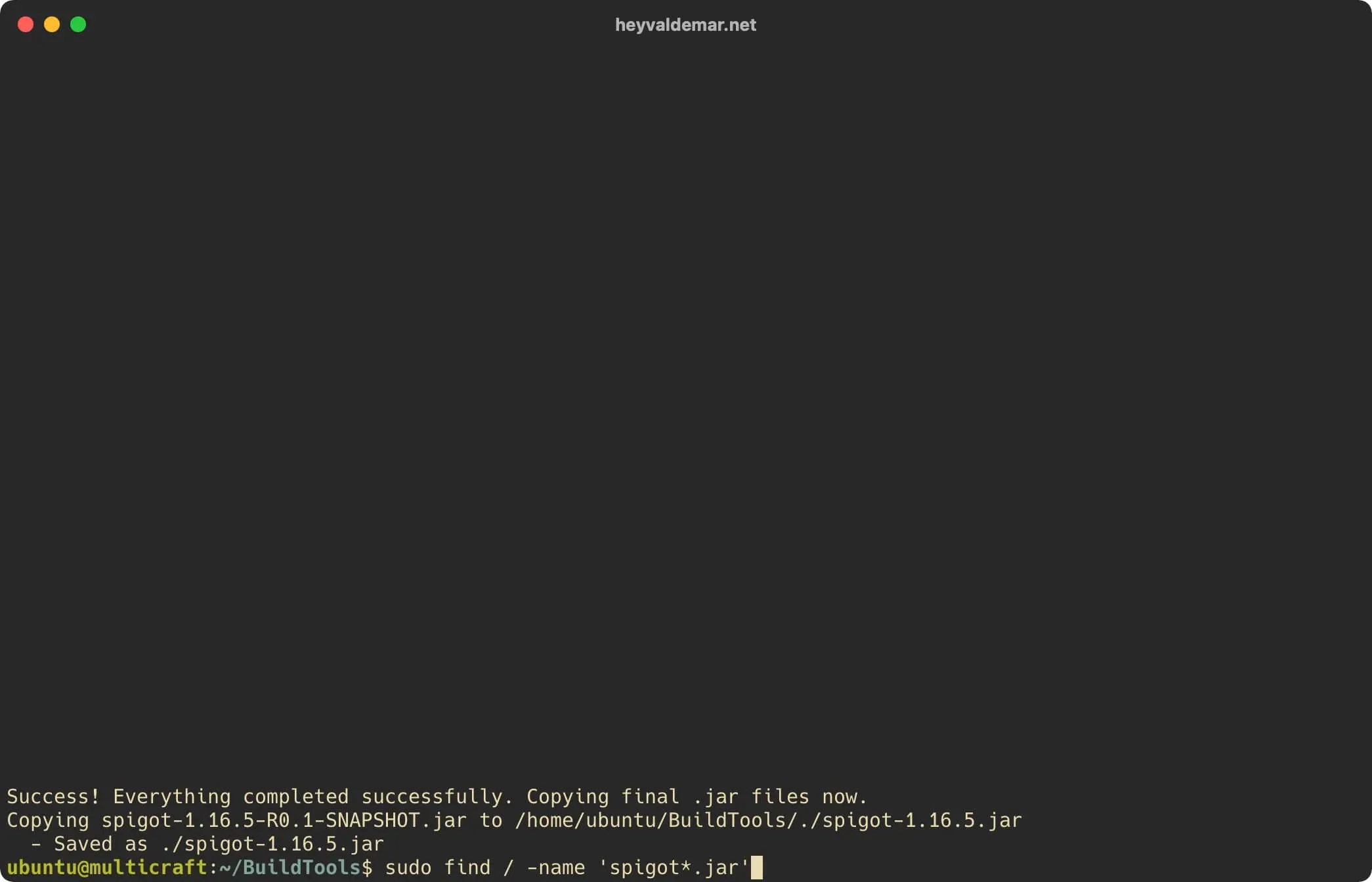
The old version is in the directory:
/home/minecraft/multicraft/jar/Let’s create a backup copy of the old version of Spigot using the command:
sudo mv /home/minecraft/multicraft/jar/spigot.jar /home/minecraft/multicraft/jar/spigot.jar.old 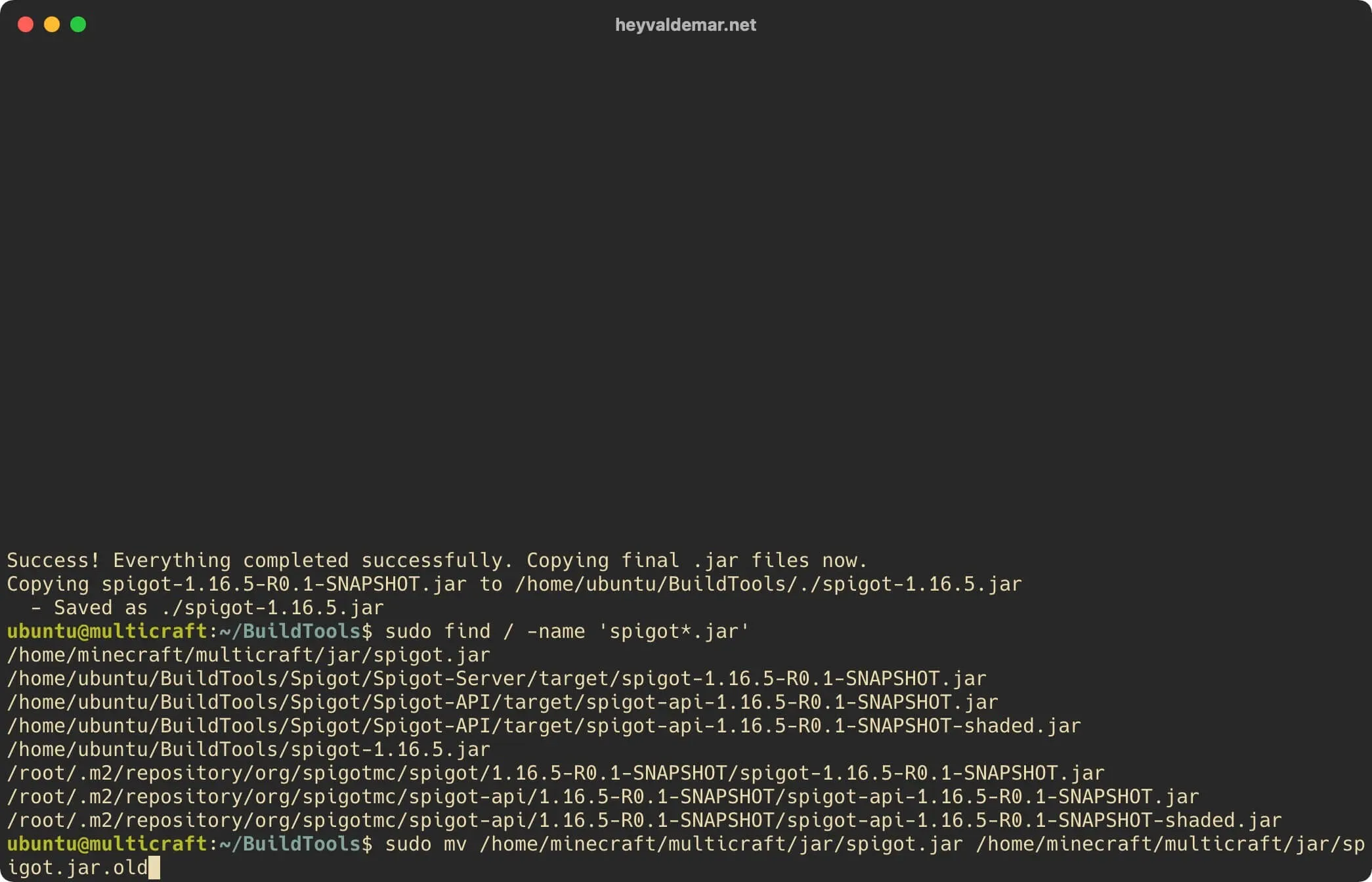
Let’s copy the new version of Spigot to the place of the old version using the command:
sudo cp /home/ubuntu/BuildTools/spigot-* /home/minecraft/multicraft/jar/spigot.jar 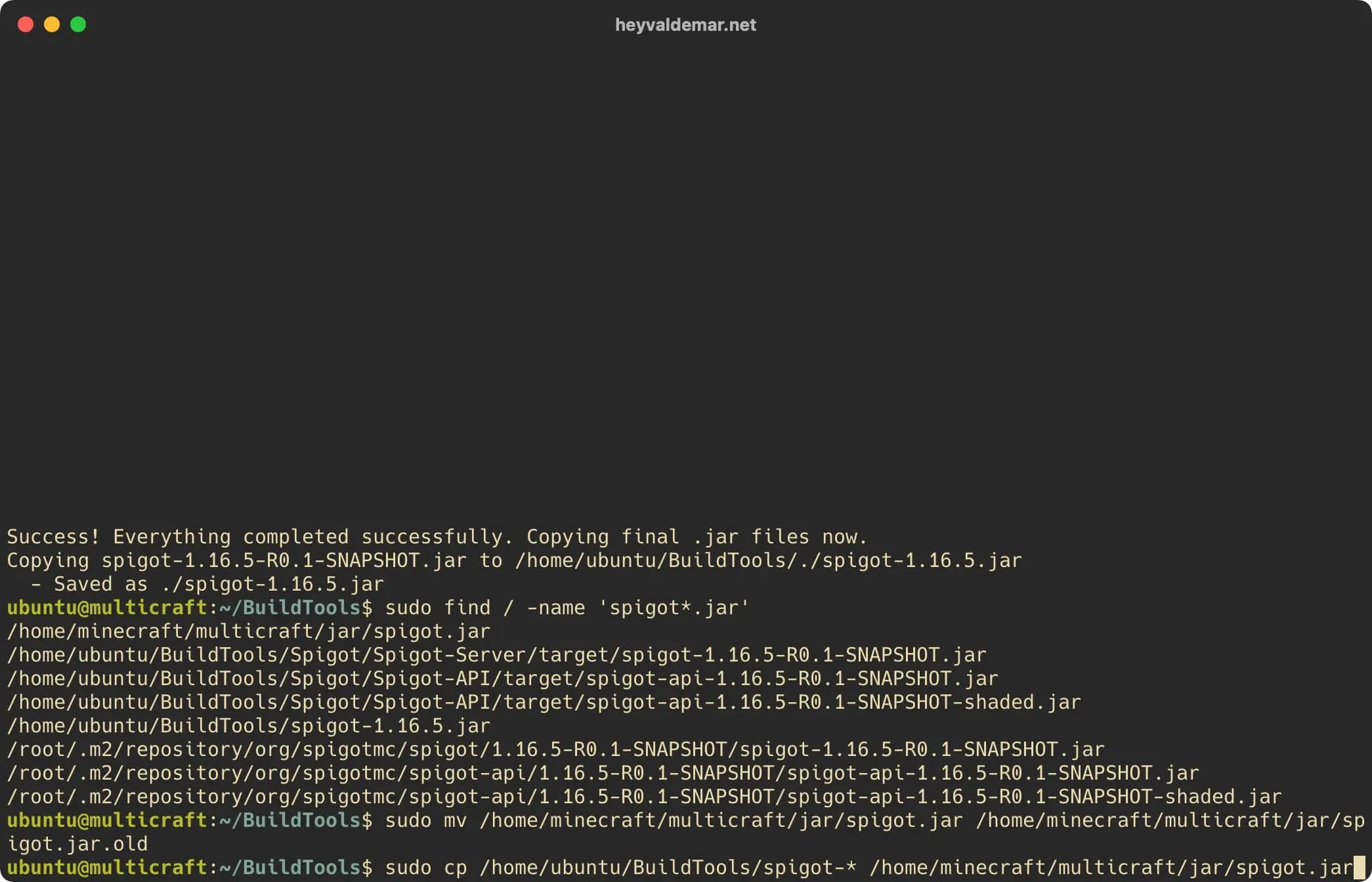
Let’s enable execution of the “spigot.jar” file using the command:
sudo chmod +x /home/minecraft/multicraft/jar/spigot.jar 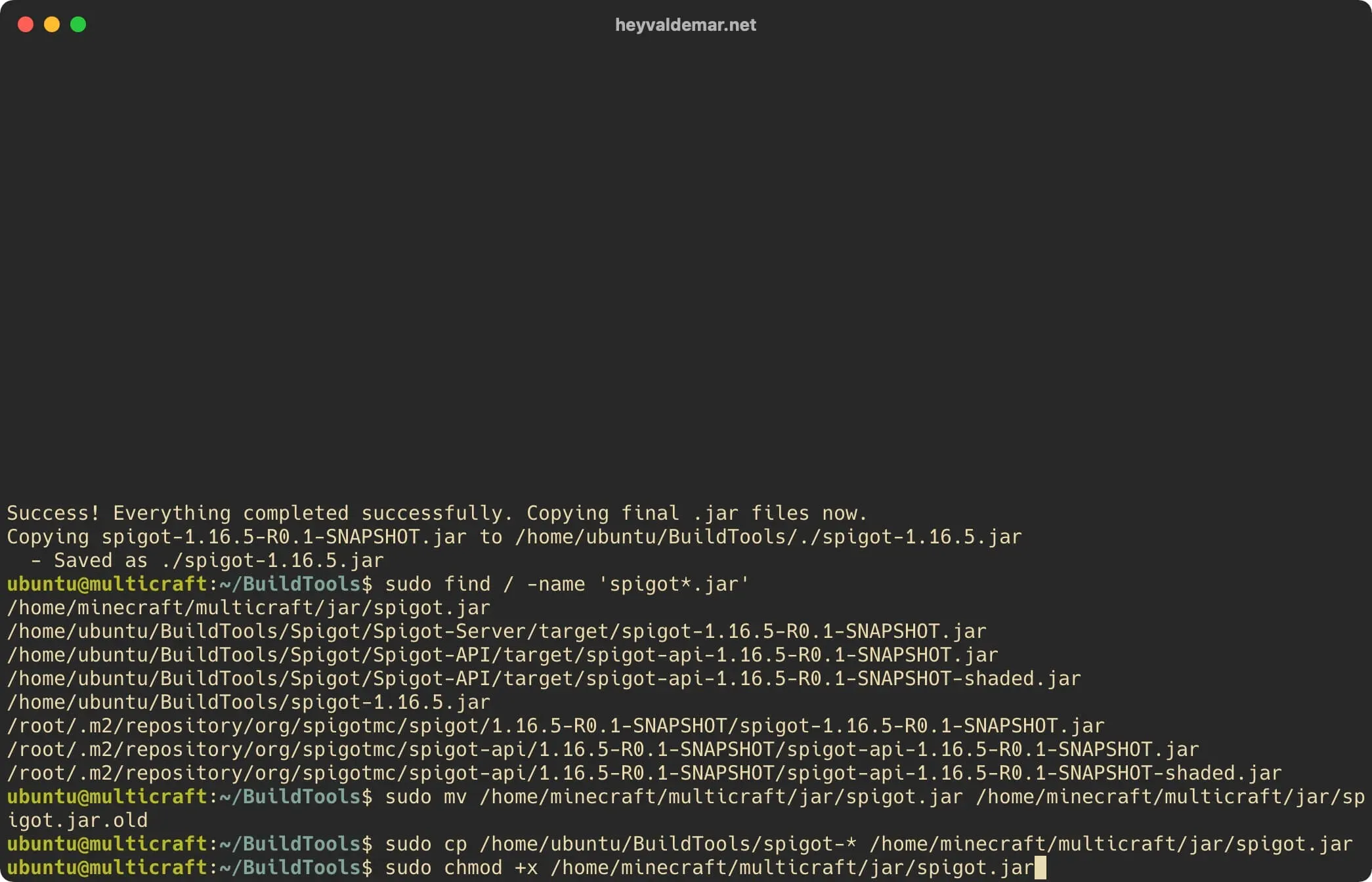
Let’s adjust the owner and group for the “spigot.jar” file using the command:
sudo chown -R minecraft:minecraft /home/minecraft/multicraft/jar/spigot.jarNOTEBy default Multicraft runs as “minecraft” username. Therefore, the owner of the new version of Spigot must be the user “minecraft”.
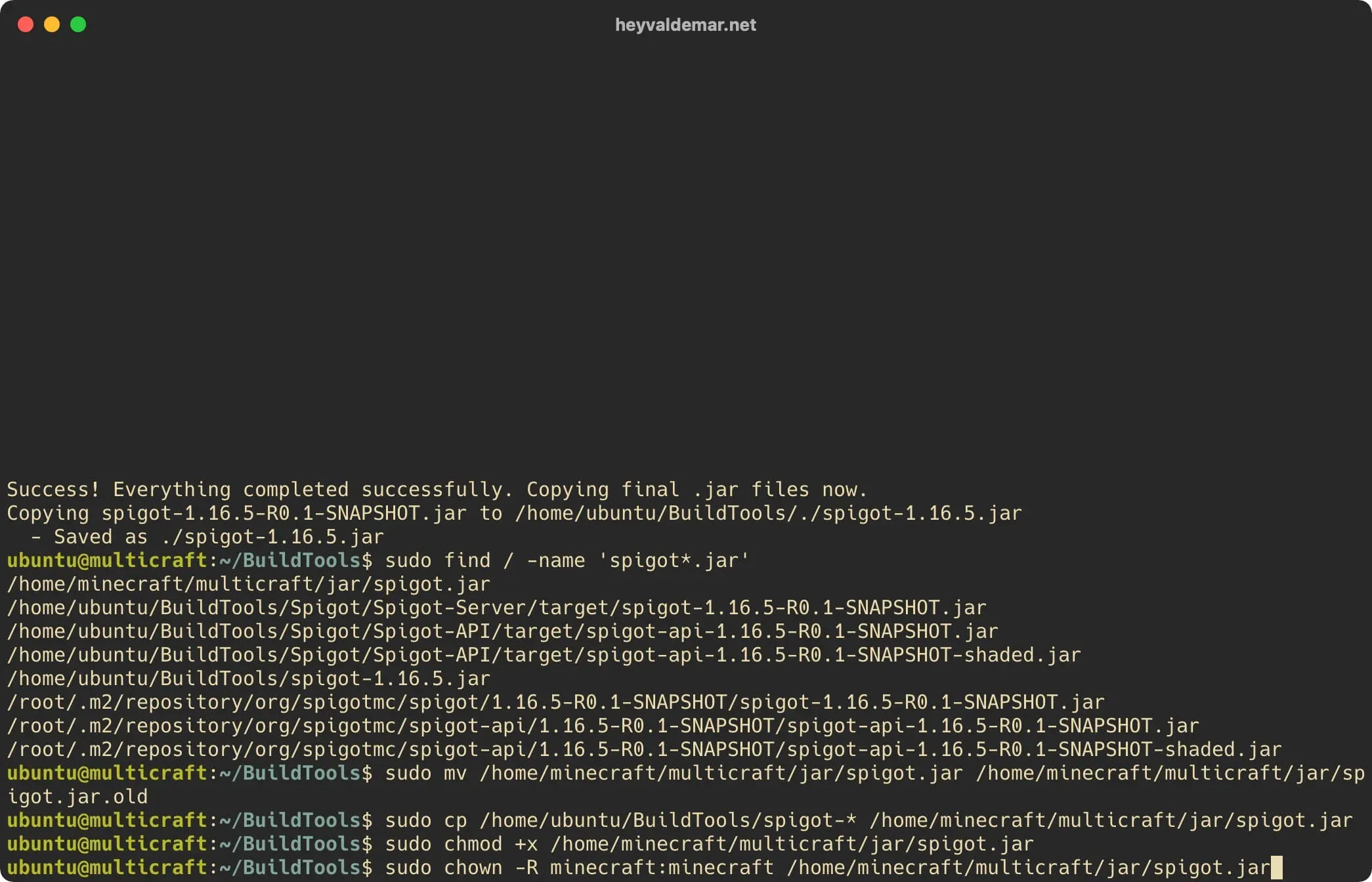
The Spigot update has been successfully completed and you can now correctly launch the modified Minecraft server using Multicraft.
NOTEFor a step-by-step guide on starting a Minecraft server with Multicraft, see my tutorial: Run a Minecraft Server with Multicraft.