334 words
2 min read

Join Windows Server 2019 Server Core to a Domain

By · Solutions Architect · Docker Captain · IBM Champion
Join Windows Server 2019 Server Core to a Domain

This article is for those looking for a detailed and clear guide on how to join Windows Server 2019 Server Core to a Domain.

IMPORTANT

We will consider the case when you already have two servers with the Windows Server 2019 operating system installed on them. In addition, one of the servers must have the Active Directory Domain Services role installed.

You can read more about how to install Windows Server 2019 in my guide Install Windows Server 2019 Server Core.

IMPORTANT

To learn how to install Active Directory Domain Services on Windows Server 2019, read: Install Active Directory Domain Services on Windows Server 2019.

To learn how to install Active Directory Domain Services on Windows Server 2019 Server Core (without a GUI), see my guide: Install Active Directory Domain Services on Windows Server 2019 Server Core.

IMPORTANT

Before joining a server to a domain, you must give the server a correct name according to your organization’s standards, and then assign a static IP address, subnet mask, gateway, and the IP address of the domain controller as a DNS server in the network interface settings.

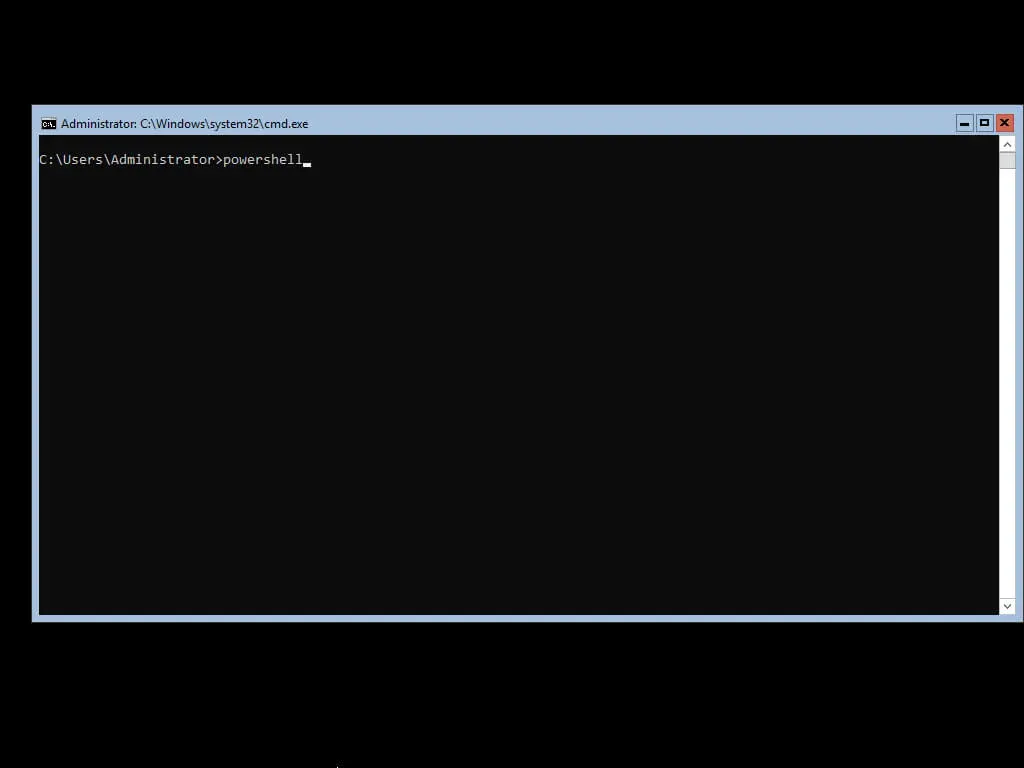
We go into the system under an account with administrator rights and start Windows PowerShell using the command:

Terminal window
powershell

Join Windows Server 2019 Server Core to a Domain - Step 1

NOTE

In this guide, the server joins the heyvaldemar.net domain using an Administrator account that has domain administrator rights.

Join the server to the domain using the command:

Terminal window
Add-Computer -DomainName heyvaldemar.net -Credential heyvaldemar\Administrator -Restart -Force
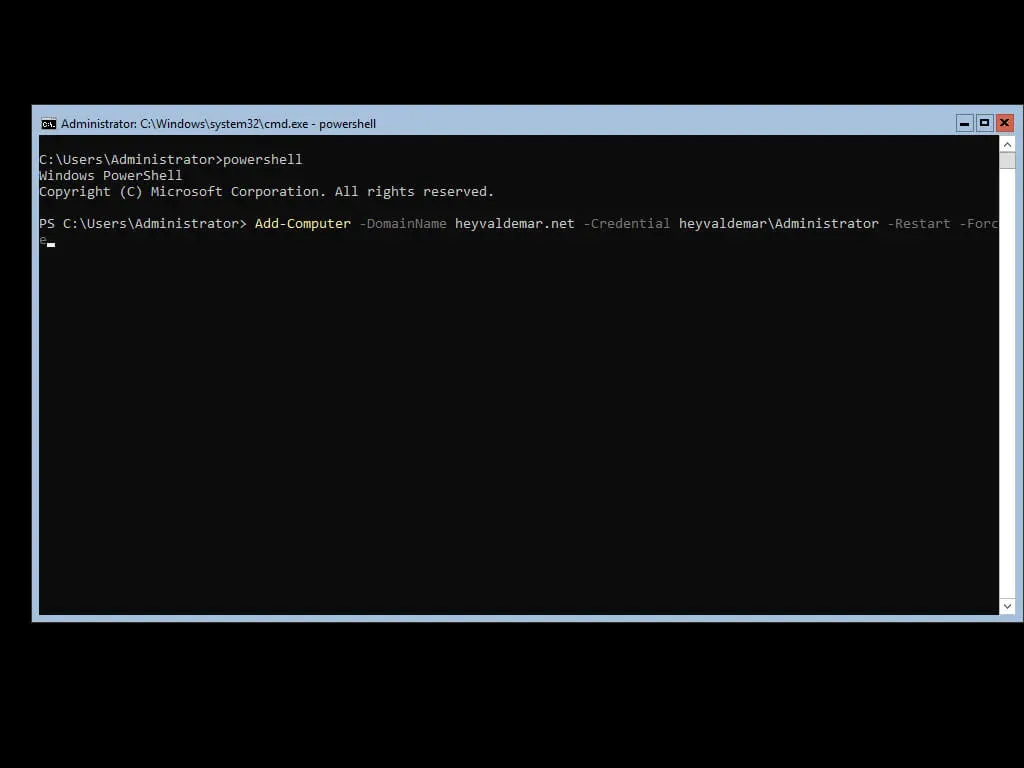
Join Windows Server 2019 Server Core to a Domain - Step 2

Specify the password for an account with domain administrator rights and click on the “OK” button.
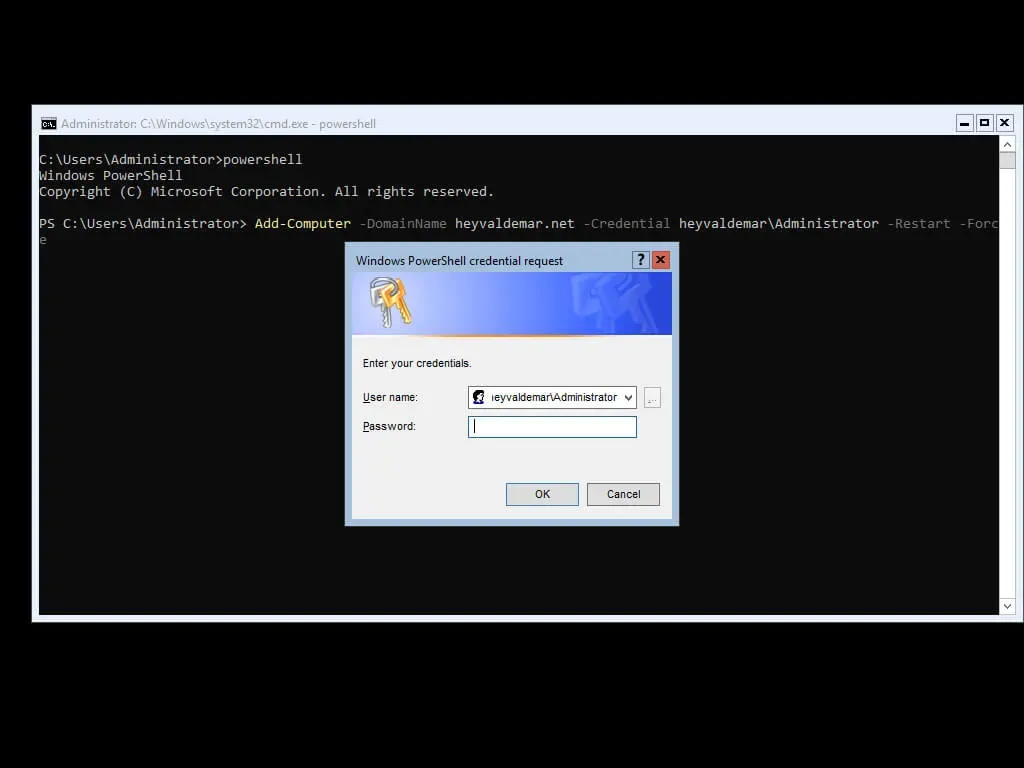
Join Windows Server 2019 Server Core to a Domain - Step 3

After a reboot, the server will apply the security policies used in your domain.
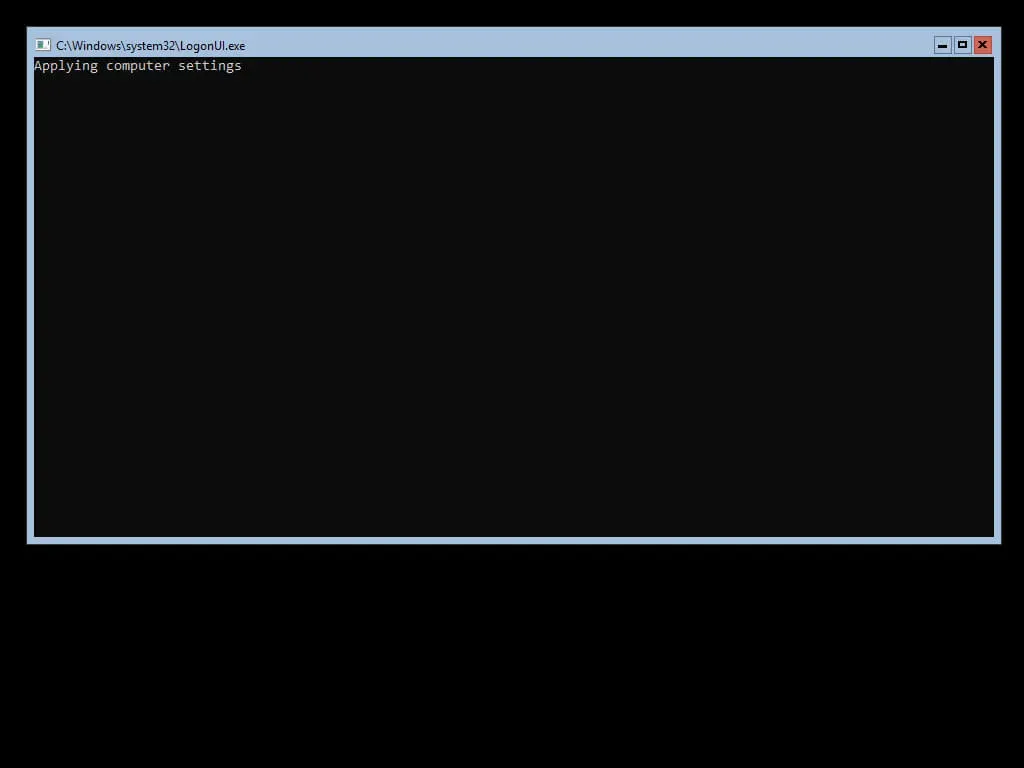
Join Windows Server 2019 Server Core to a Domain - Step 4

After applying the security policies, the server will be ready to work.
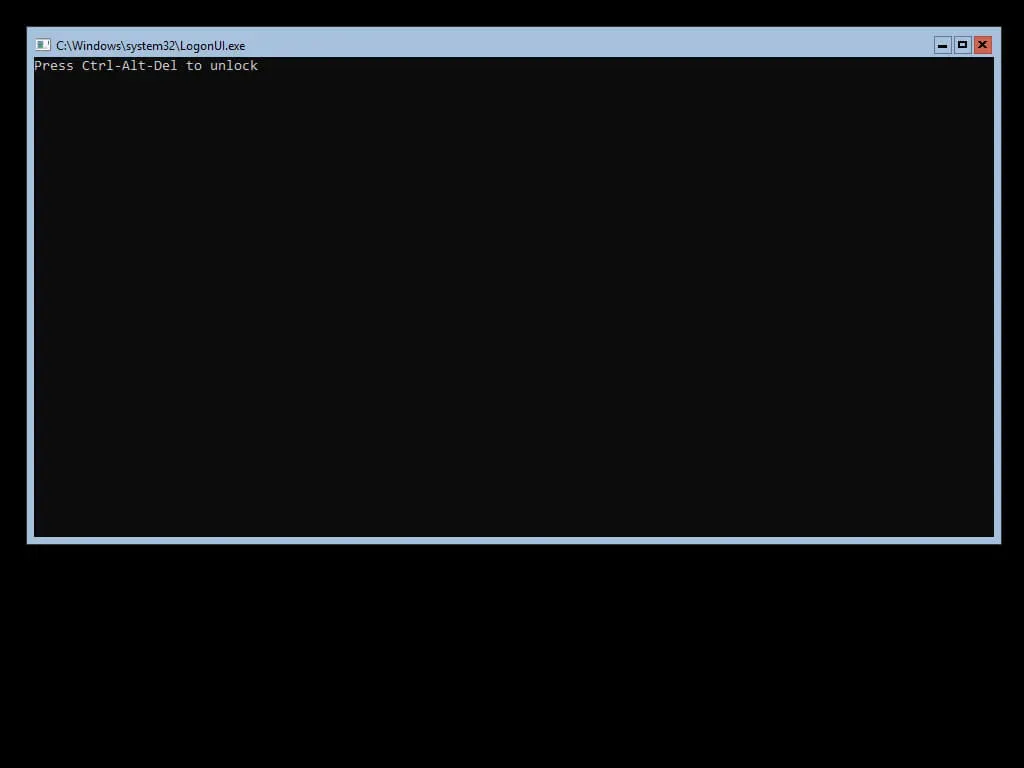
Join Windows Server 2019 Server Core to a Domain - Step 5


Vladimir Mikhalev

Docker Captain  ·  IBM Champion  ·  AWS Community Builder

The Verdict — production-tested analysis on YouTube.

Related Posts

Same category
  1. 1
    Recovering a Corrupt Exchange Database with Stellar Repair — Real-World Lab Test
    SysAdmin & IT Pro · We deliberately broke an Exchange 2019 server to see if Stellar Repair for Exchange could recover a dirty-shutdown EDB file. Step-by-step recovery process, lab setup, and lessons learned.
  2. 2
    Distinctions Between Terminal, Command Line, Shell, and Prompt
    SysAdmin & IT Pro · Learn the differences between terminal, command line, shell, and prompt in Linux. A beginner-friendly guide to essential CLI concepts and tools.
  3. 3
    Install Ubuntu Server 22.04 LTS
    SysAdmin & IT Pro · Step-by-step guide to install Ubuntu Server 22.04 LTS. Covers language, disk setup, OpenSSH, user creation, and system configuration for beginners.
  4. 4
    Install OTRS on Ubuntu Server
    SysAdmin & IT Pro · Comprehensive guide to installing OTRS Community Edition on Ubuntu Server. Learn to configure PostgreSQL, Apache, SSL with Let's Encrypt, and launch OTRS securely.

Random Posts

Random
  1. 1
    Stand with Ukraine
    Opinion & Culture · Learn why standing with Ukraine matters. Explore the truth behind Russia's invasion, political repression, and how you can support Ukraine today.
  2. 2
    Docker Init The Future of Easy Project Initialization
    DevOps & Cloud · Learn how to use Docker Init to quickly generate Dockerfiles, .dockerignore, and Compose files. Simplify container setup for Go, Node, Python, and more.
  3. 3
    Choosing Between Docker Swarm and Kubernetes for Container Management
    DevOps & Cloud · Compare Docker Swarm vs. Kubernetes for container orchestration. Explore key differences in scalability, security, networking, and DevOps integration.
  4. 4
    Install CentOS 7 Minimal
    SysAdmin & IT Pro · Step-by-step guide to install CentOS 7 Minimal with screenshots. Learn how to configure language, network, partitions, and users for a clean Linux setup.
Join Windows Server 2019 Server Core to a Domain
https://heyvaldemar.com/join-windows-server-2019-server-core-to-a-domain/
Author
Vladimir Mikhalev
Published
2019-09-06
License
CC BY-NC-SA 4.0