Update Kernel in Ubuntu
By Vladimir Mikhalev · Docker Captain · CNCF Ambassador · IBM Champion
This article is for those looking for a detailed and clear guide on how to update kernel in Ubuntu.
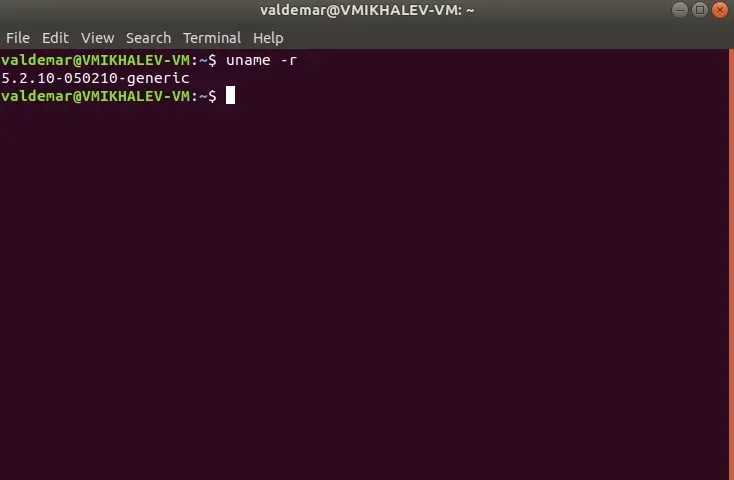
Let’s check the current version of the kernel. Open Terminal and execute the command:
uname -r 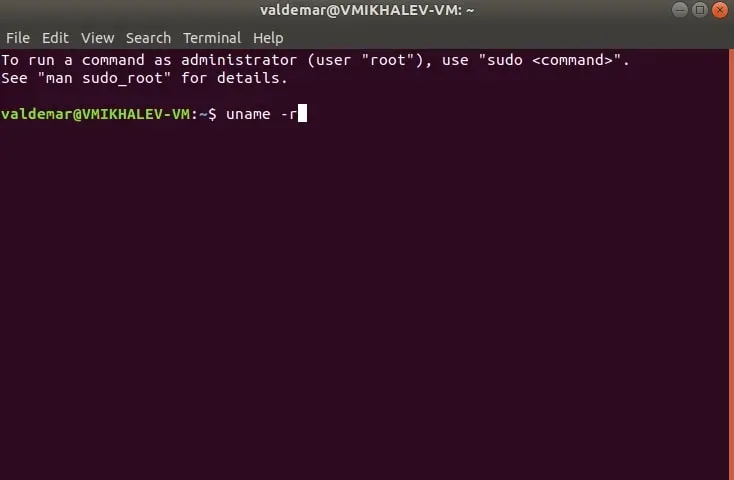
Create a new directory that will be needed for Ubuntu kernel update packages using the command:
mkdir /tmp/kernel 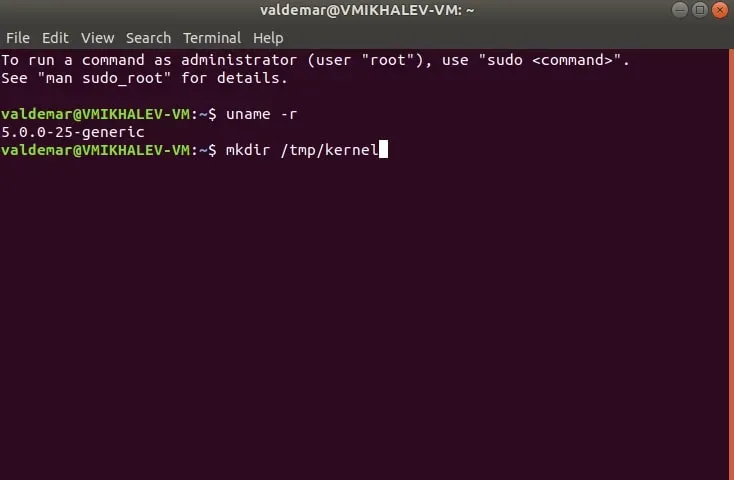
Go to the new directory using the command:
cd /tmp/kernel 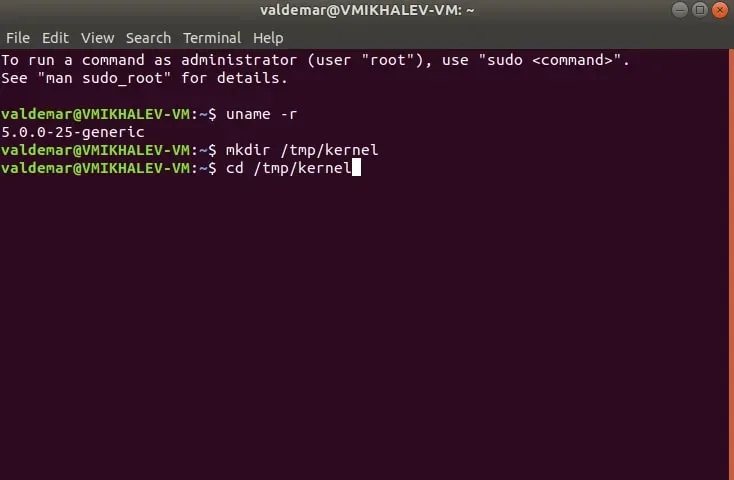
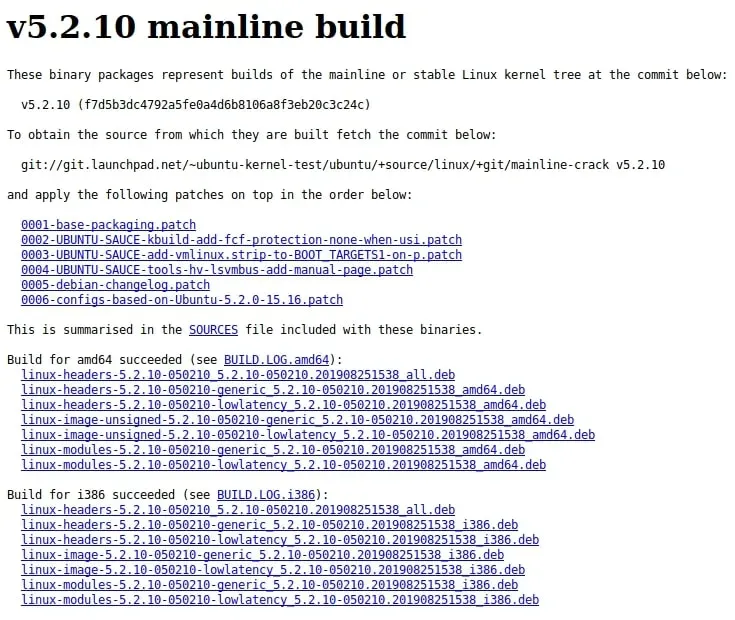
Next, visit the Ubuntu mainline kernel archive and choose the version you wish to update your kernel to.
Next, you need to download the “generic” or “low latency” packages.
- Packages “generic” are intended for operating systems used for typical tasks.
- Packages “low latency” are intended for operating systems used to work with audio and video.
The operating system used for typical tasks will require the following packages:
- The package that contains “linux-headers” and “all” in the name, located in the section corresponding to your processor architecture.
- The package that contains “linux-headers” and “generic” in the name, located in the section corresponding to your processor architecture.
- The package that contains “linux-image-unsigned” and “generic” in the name, found in the section corresponding to your processor architecture.
- The package that contains “linux-modules” and “generic” in the name, located in the section corresponding to your processor architecture.
Download the package, which contains “linux-headers” and “all” in the name, and is located in the section corresponding to your processor architecture, using the command:
wget https://kernel.ubuntu.com/~kernel-ppa/mainline/v5.2.10/linux-headers-5.2.10-050210_5.2.10-050210.201908251538_all.deb 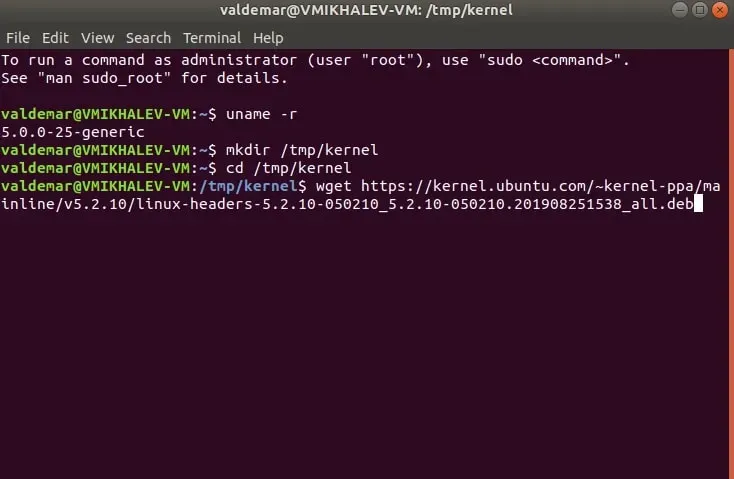
Download the package, which contains “linux-headers” and “generic” in the name, and is located in the section corresponding to your processor architecture, using the command:
wget https://kernel.ubuntu.com/~kernel-ppa/mainline/v5.2.10/linux-headers-5.2.10-050210-generic_5.2.10-050210.201908251538_amd64.deb 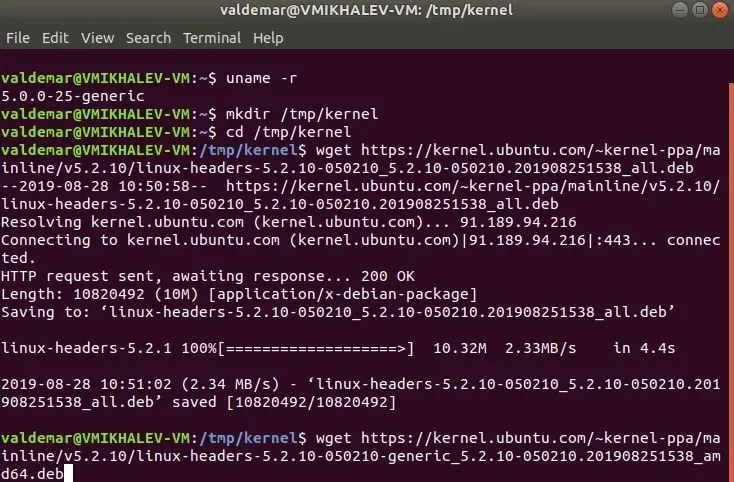
Download the package, which contains “linux-image-unsigned” and “generic” in the name, and is located in the section corresponding to your processor architecture, using the command:
wget https://kernel.ubuntu.com/~kernel-ppa/mainline/v5.2.10/linux-image-unsigned-5.2.10-050210-generic_5.2.10-050210.201908251538_amd64.deb 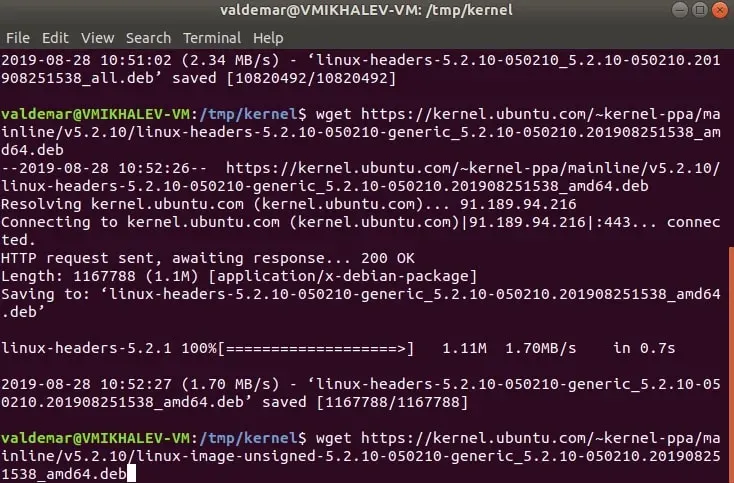
Download the package, which contains “linux-modules” and “generic” in the name, and is located in the section corresponding to your processor architecture, using the command:
wget https://kernel.ubuntu.com/~kernel-ppa/mainline/v5.2.10/linux-modules-5.2.10-050210-generic_5.2.10-050210.201908251538_amd64.deb 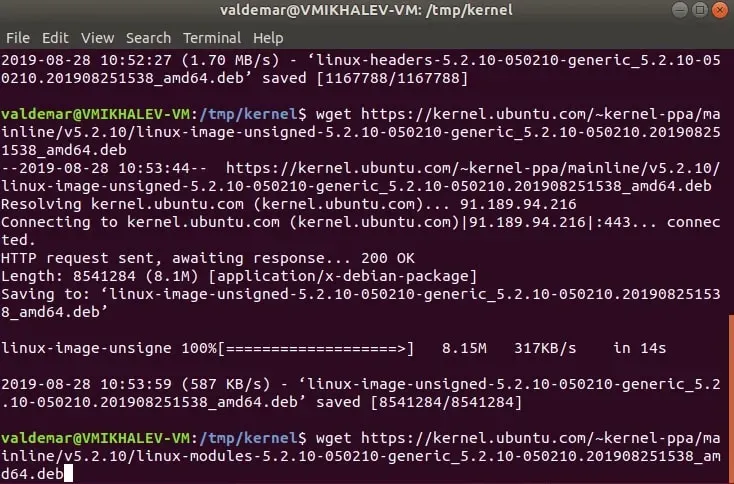
Now you need to install all downloaded packages using the command:
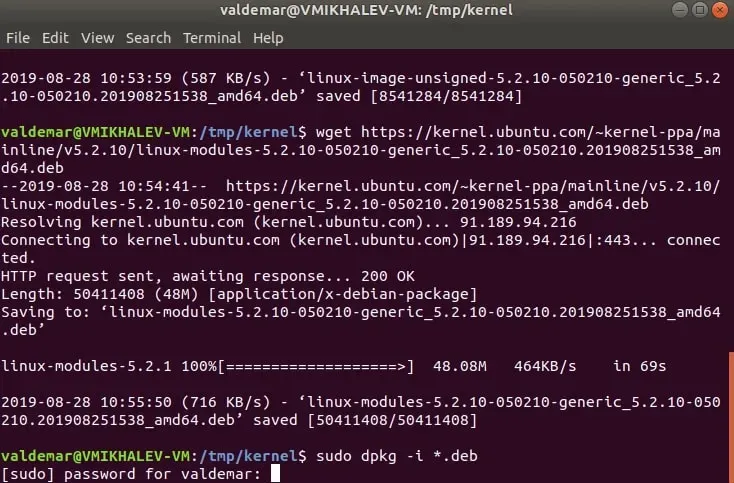
sudo dpkg -i *.deb 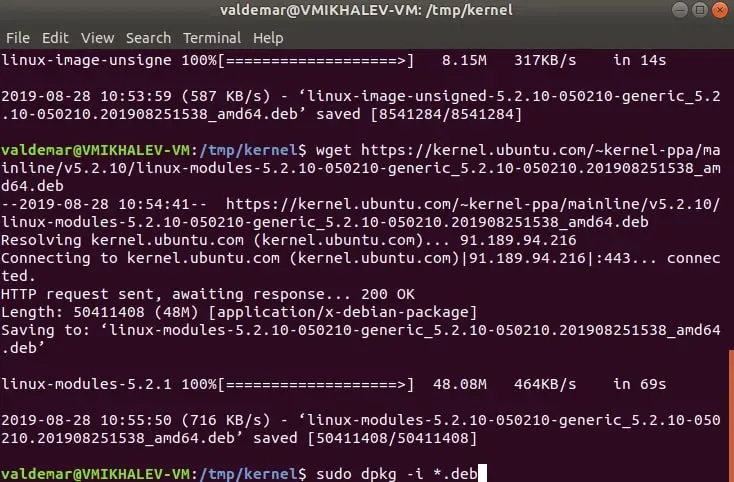
Specify the password for the account and press “Enter”.
We reboot the operating system using the command:
sudo reboot 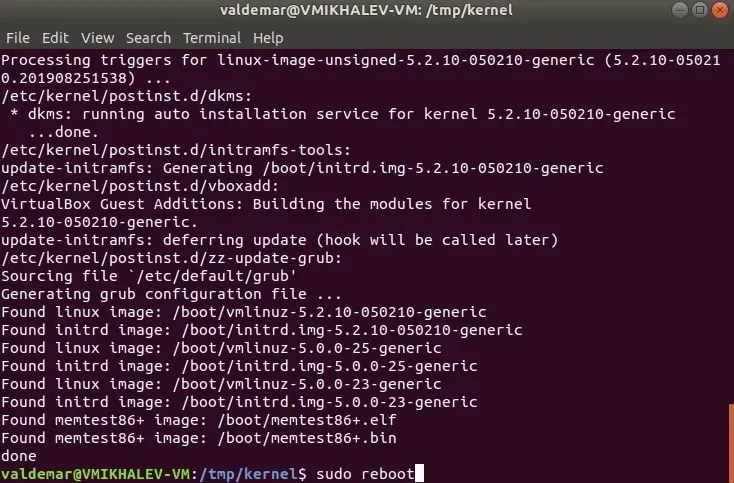
Let’s check the kernel version.
Open Terminal and execute the command:
uname -r 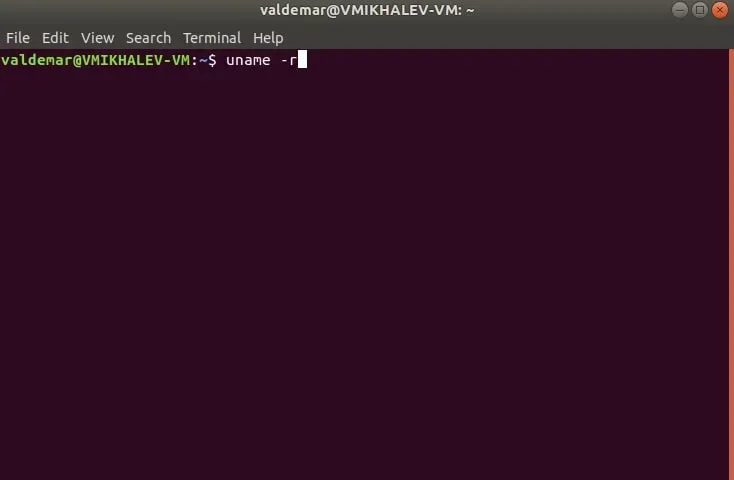
You should see a new version of the kernel.