Install OpenJDK on Ubuntu Server
By Vladimir Mikhalev · Docker Captain · CNCF Ambassador · IBM Champion
This article is for those looking for a detailed and straightforward guide on installing OpenJDK on Ubuntu Server.
NOTEWith the release of Java 11, Oracle JDK became commercial and is no longer free.
OpenJDK is an open-source implementation of the Java Standard Edition platform with contributions from Oracle and the Java open community. The Oracle JDK build process is built from the OpenJDK source, so there isn’t much difference between Oracle JDK and OpenJDK.
TIPArchitecture Context
Choose OpenJDK when you need a free, community-supported Java runtime for production workloads. Amazon Corretto, Eclipse Temurin, or Azul Zulu provide vendor-backed alternatives with LTS support and performance optimizations. For containerized deployments, consider using a JDK base image instead of host-level installation to improve portability and reproducibility across environments.
NOTEOpenJDK is free but will need to be updated every 6 months.
IMPORTANTOpenSSH must be installed on the server, and port 22 must be open to be able to connect to the server using the SSH protocol.
To install OpenSSH on a server, you can use the command:
sudo apt install openssh-serverNOTEThis guide walks you through connecting to a server with the iTerm2 terminal emulator on macOS.
We connect to the server on which you plan to install OpenJDK.
Update the local package index to the latest changes in the repositories using the command:
sudo apt update 
You may need a Java Development Kit (JDK) in addition to the JRE to compile and run certain Java-based software.
To install the JDK, run the following command, which will also install the JRE:
sudo apt-get install -y default-jdk 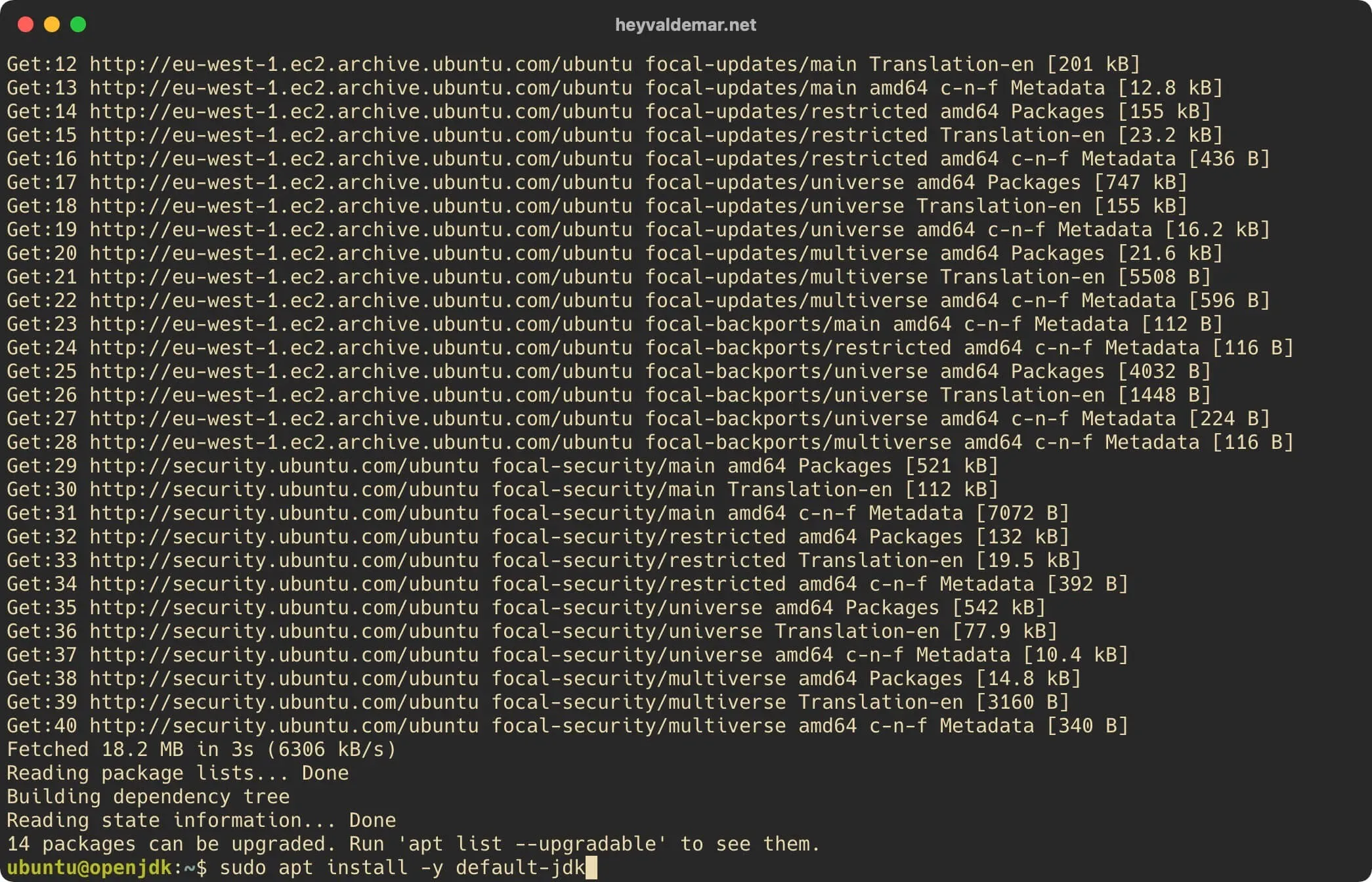
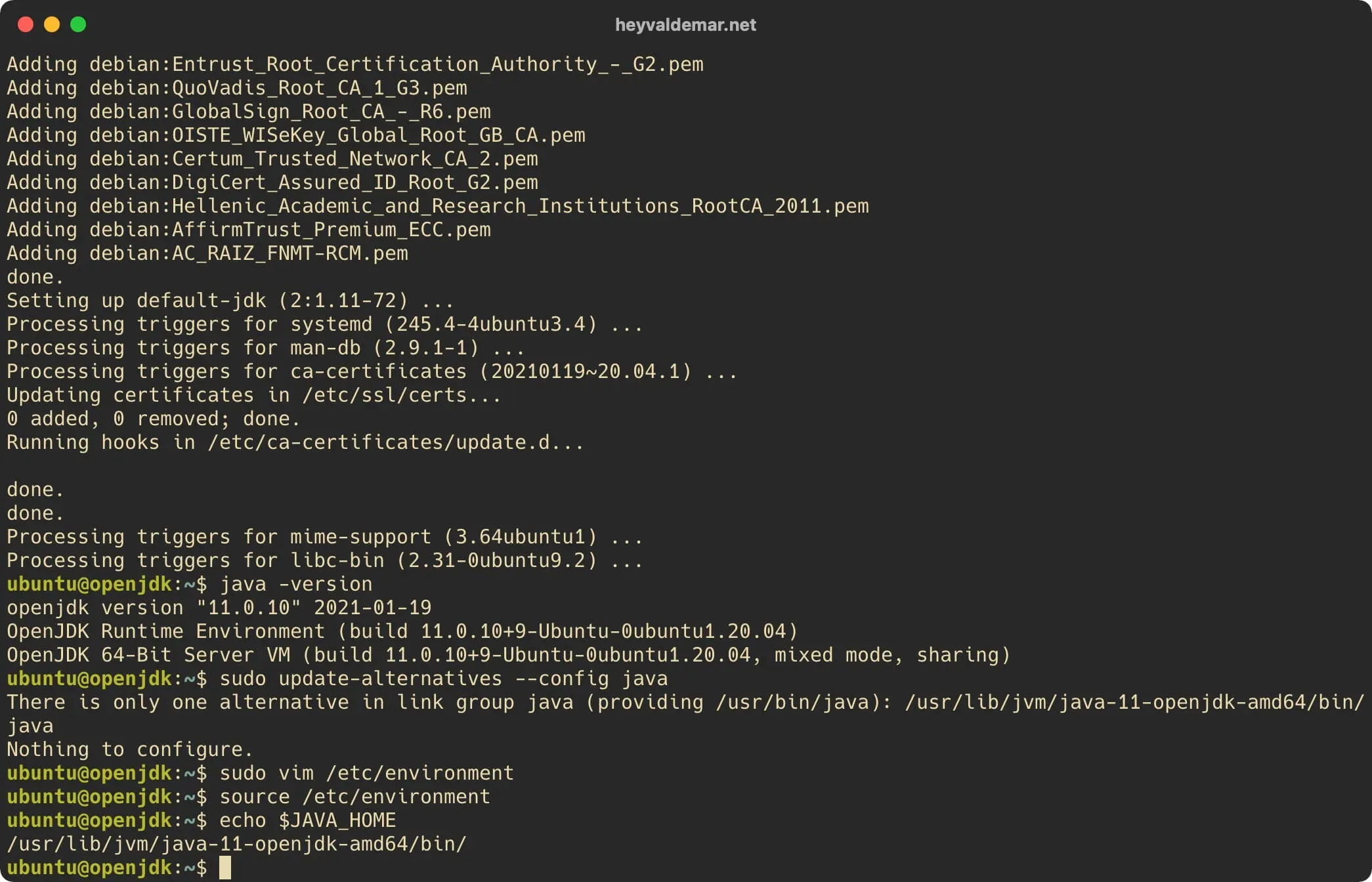
Now you need to make sure that OpenJDK is installed correctly. To do this, you need to run the command:
java -version 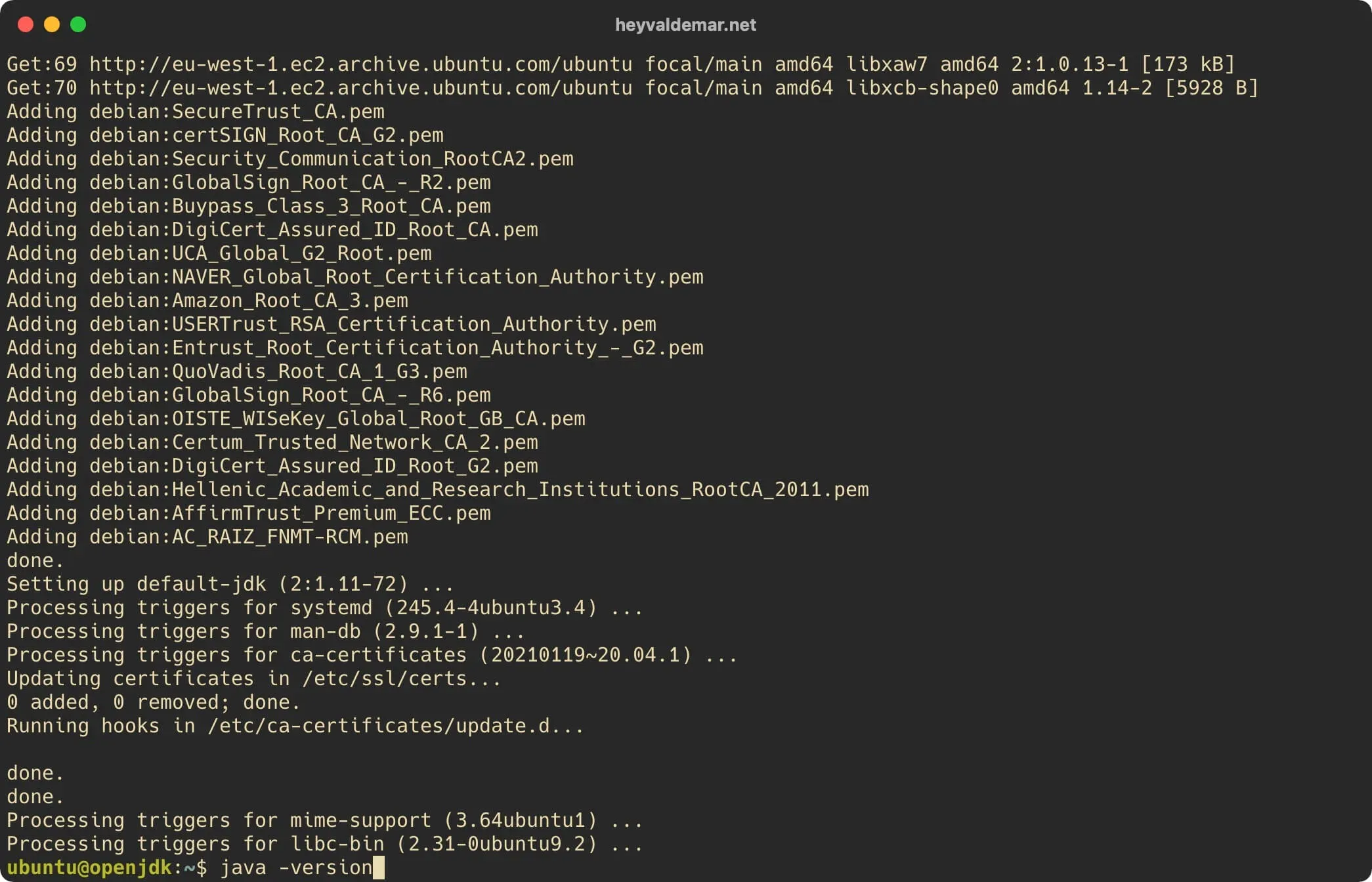
Based on the message received, OpenJDK is installed correctly.
Many programs written with Java use the “JAVA_HOME” environment variable to determine where Java is installed. Therefore, you need to define this variable and assign it a value containing the path to the Java installation location.
Let’s define the path to the Java installation location using the command:
sudo update-alternatives --config java 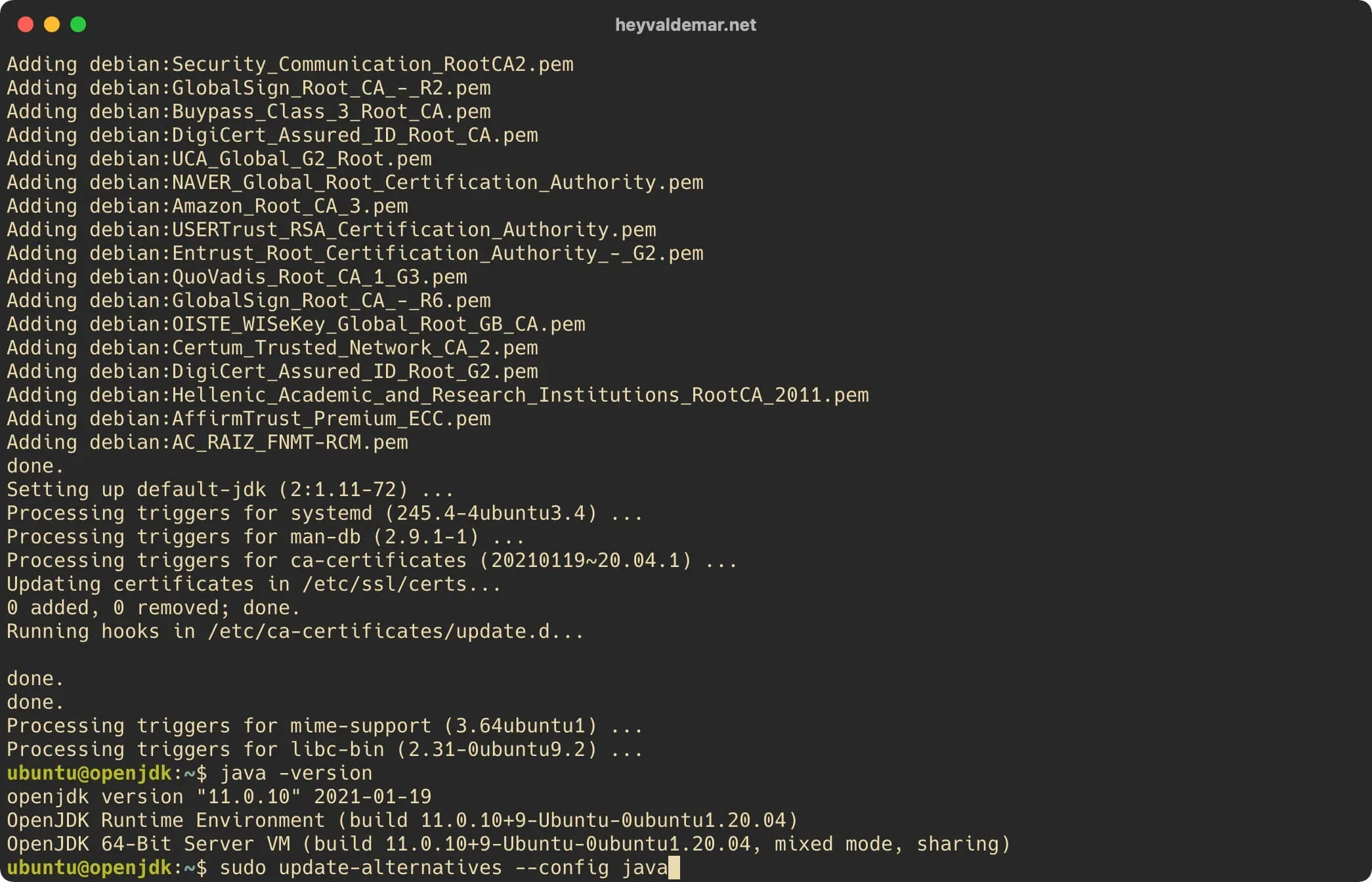
In this example, the path to the Java installation location looks like this:
/usr/lib/jvm/java-11-openjdk-amd64/bin/To define an environment variable and assign a value to it, you need to make changes to the “environment” file by opening it in a text editor using the command:
sudo vim /etc/environment 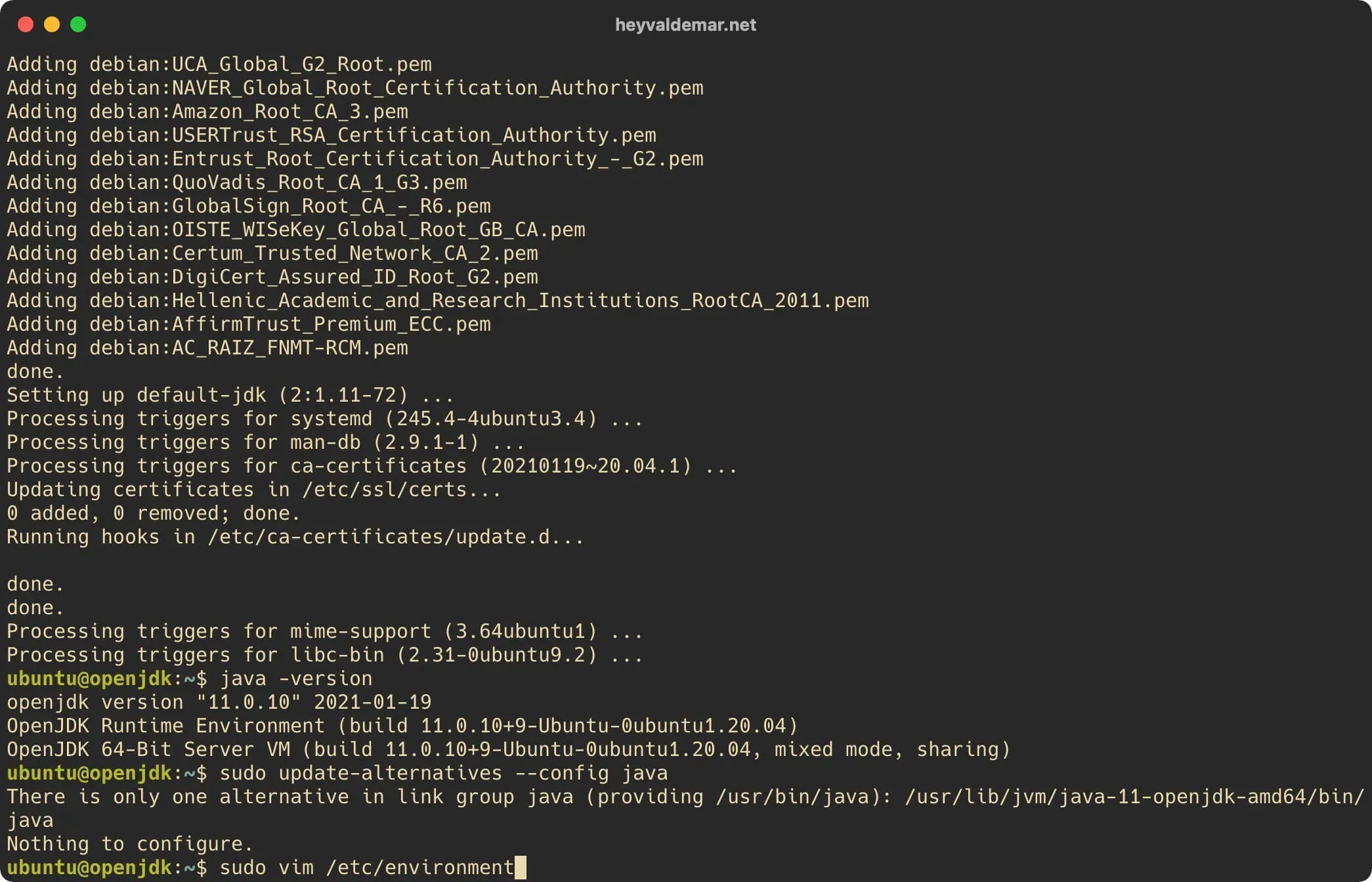
Press the “i” button to switch to edit mode, then at the end of the file define a new variable “JAVA_HOME” and assign it a value containing the path to the Java installation location obtained earlier.
JAVA_HOME="/usr/lib/jvm/java-11-openjdk-amd64/bin/"NOTEThe path to the Java installation location must be specified up to and including the “bin” folder.
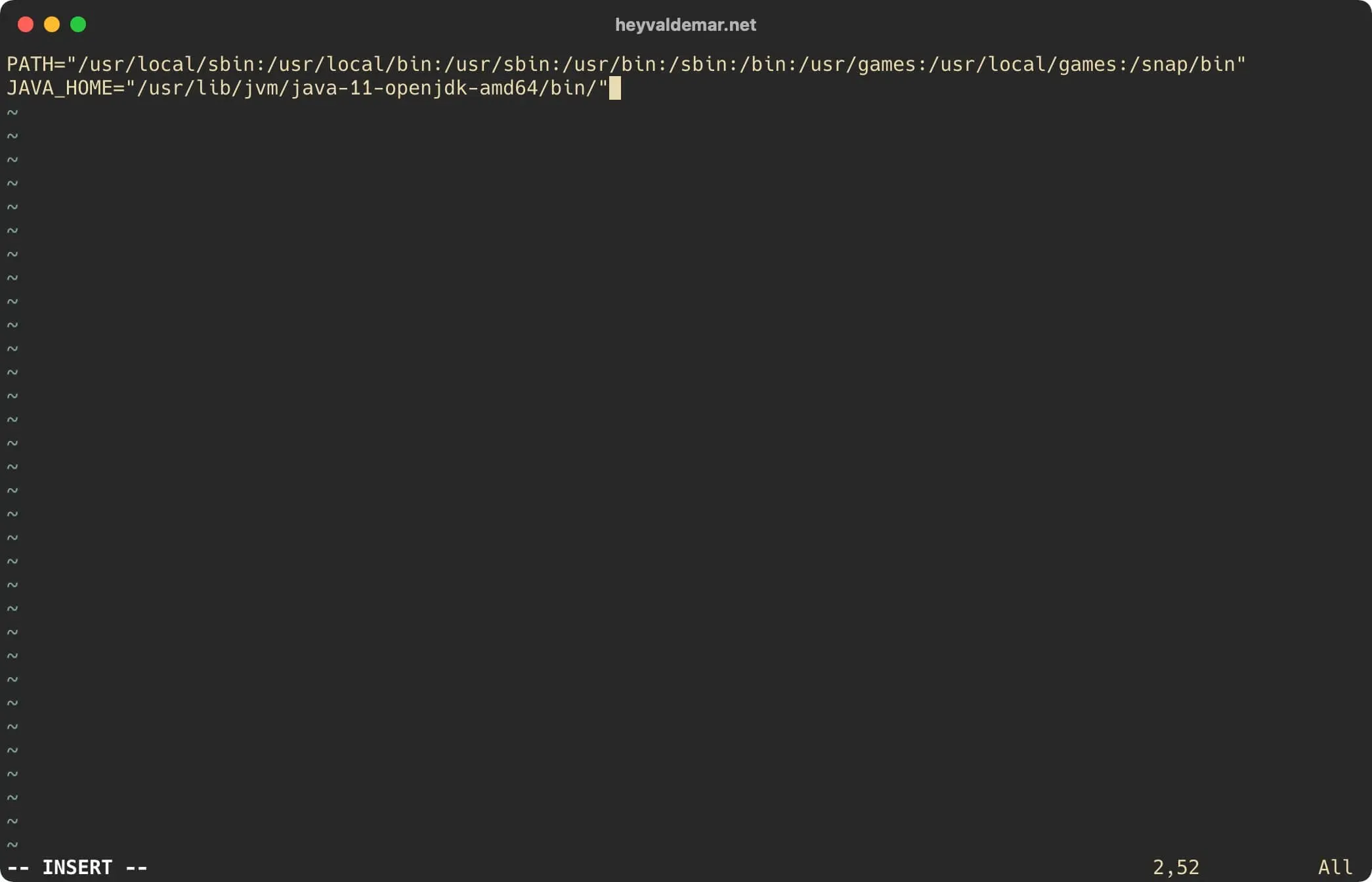
Now press the “Esc” button to exit edit mode, then type "
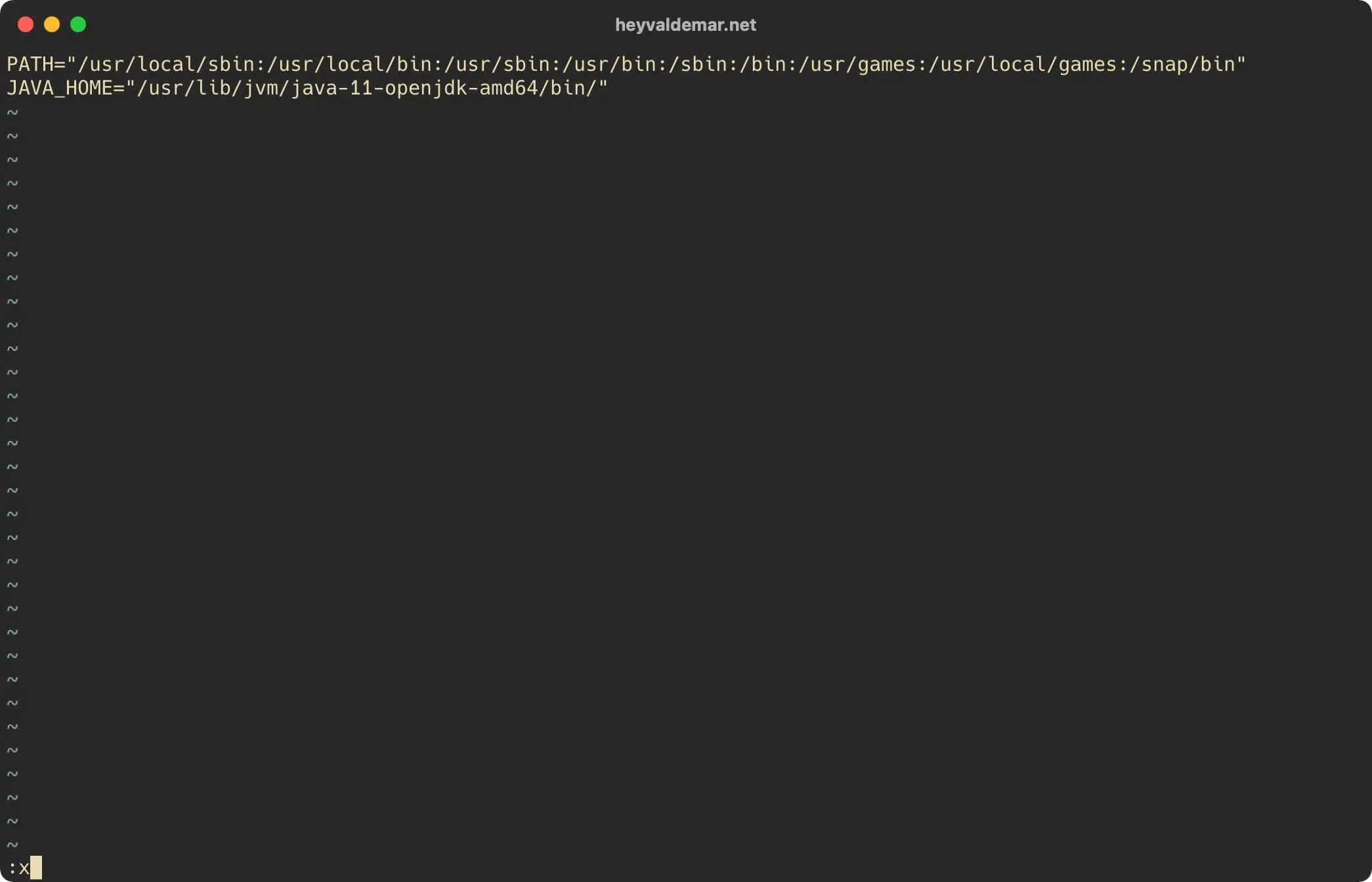
Next, you need to apply the changes made to the current session using the command:
source /etc/environment 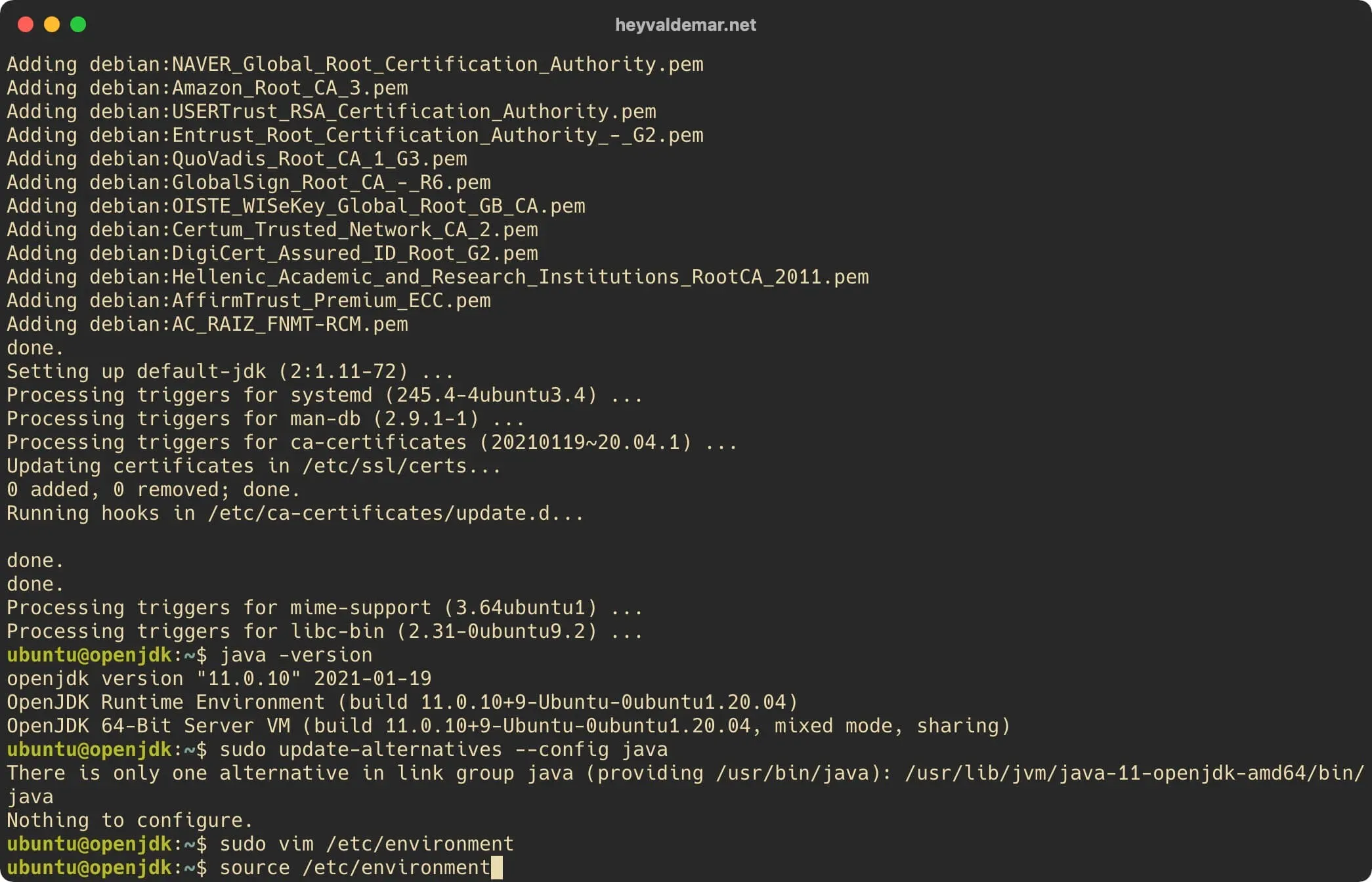
Now let’s make sure that the environment variable has the correct value using the command:
echo $JAVA_HOME 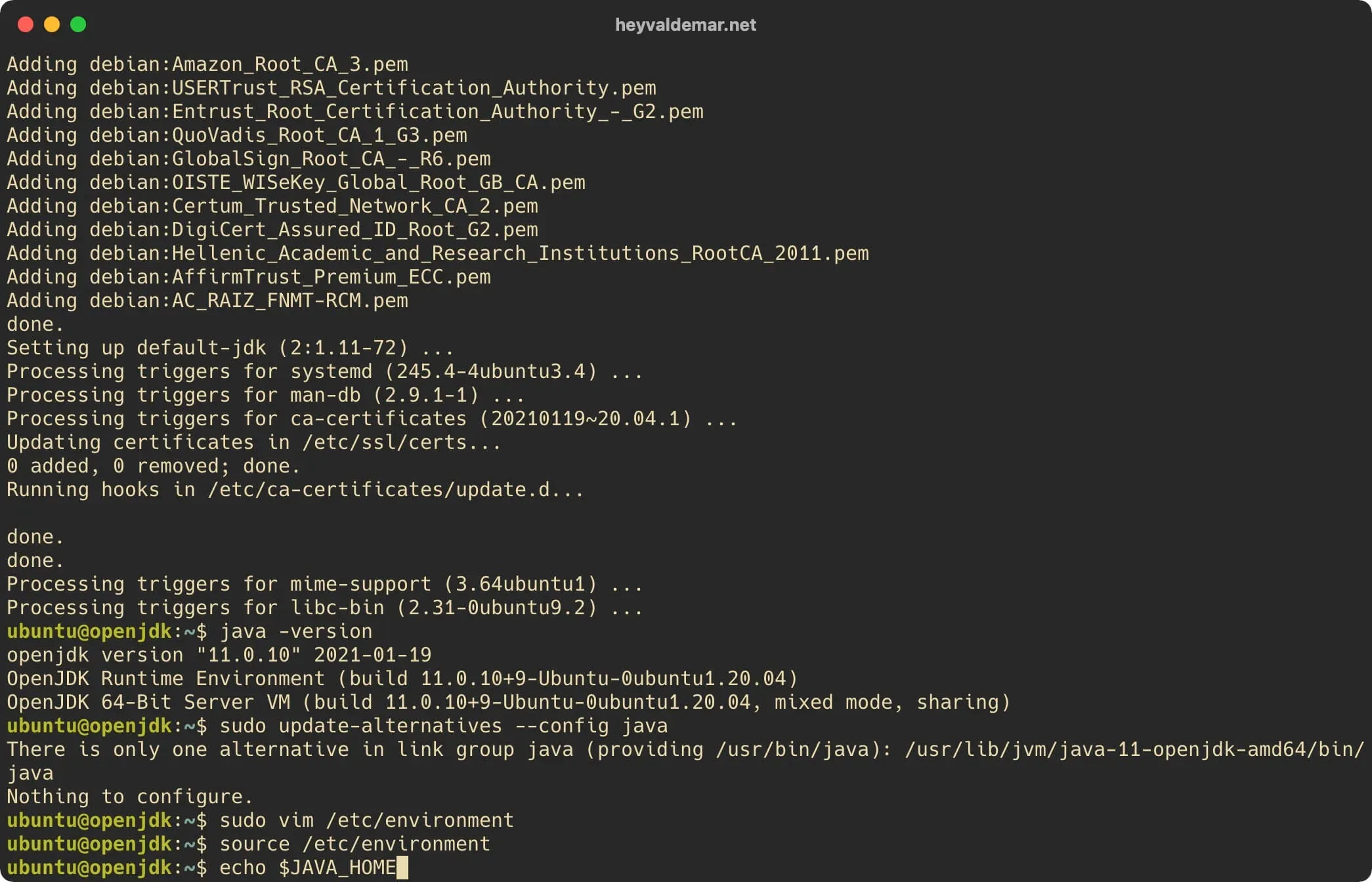
Based on the message received, the environment variable has the correct value.